
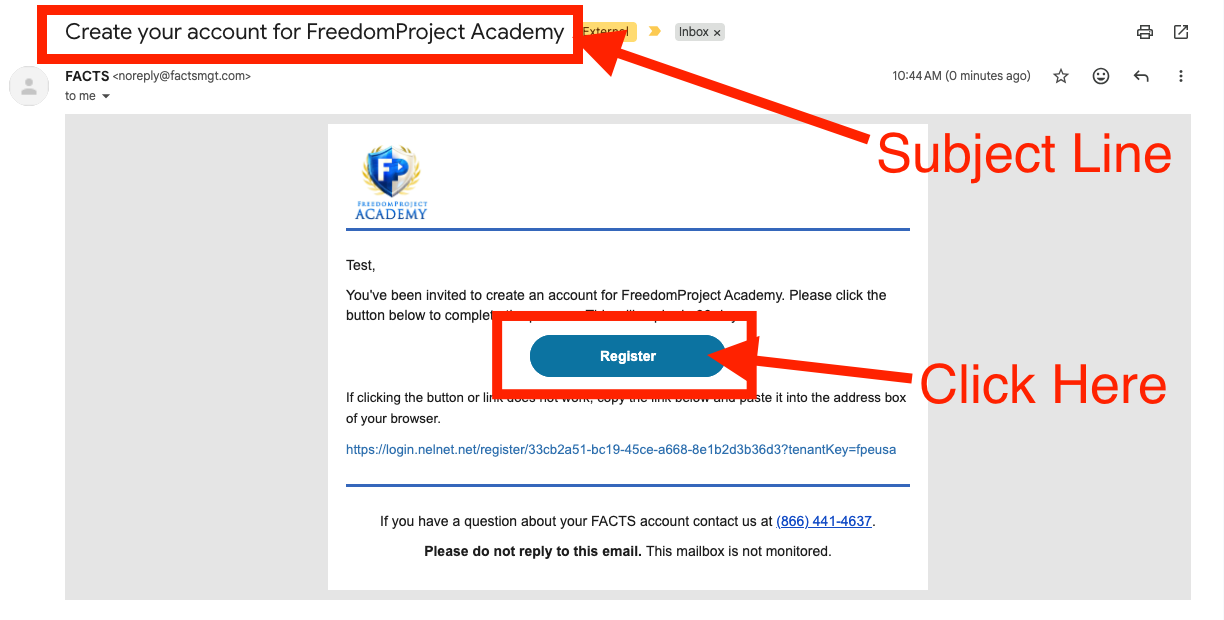
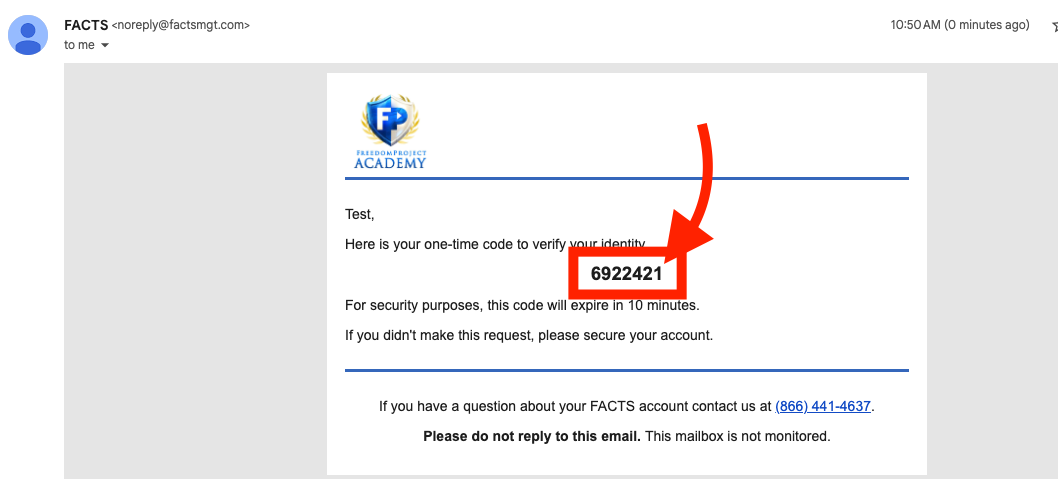
Step 1. Go to your teacher email and find the following:
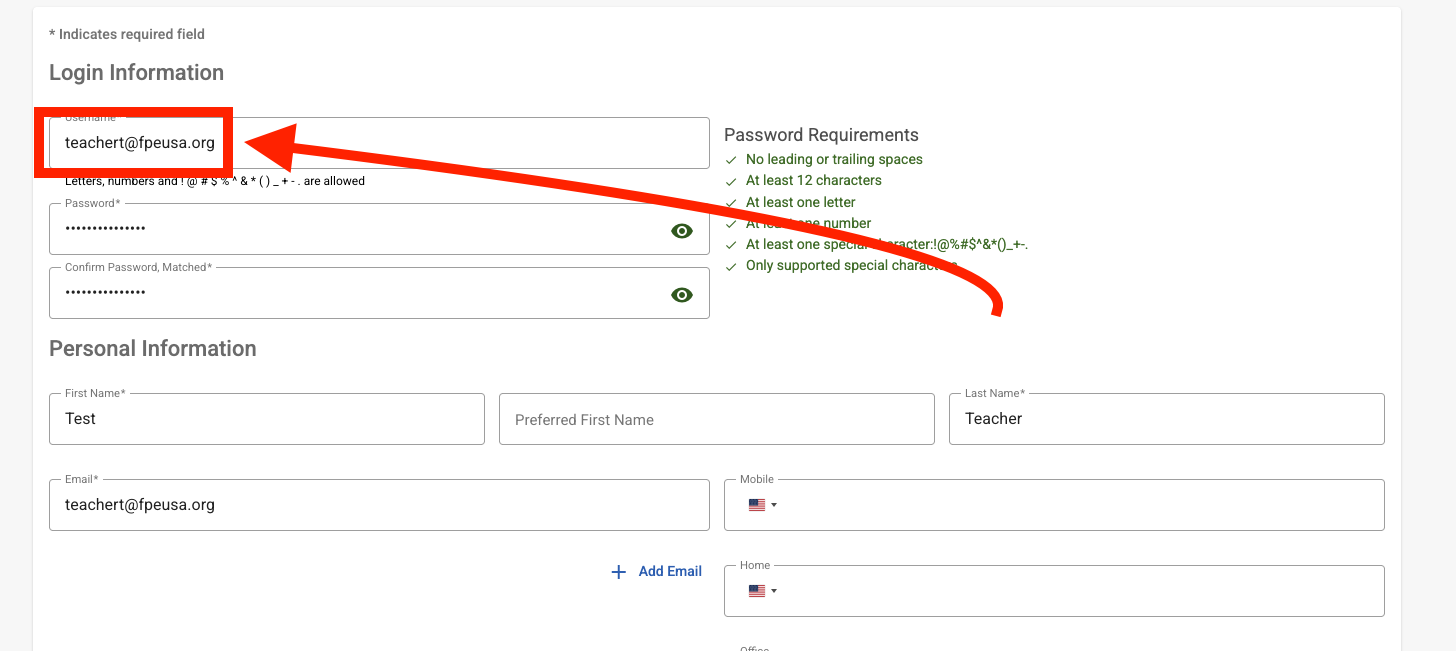
Step 2. On this page please fill out the following required information (We request you use your teacher email as your username then click 'Save'

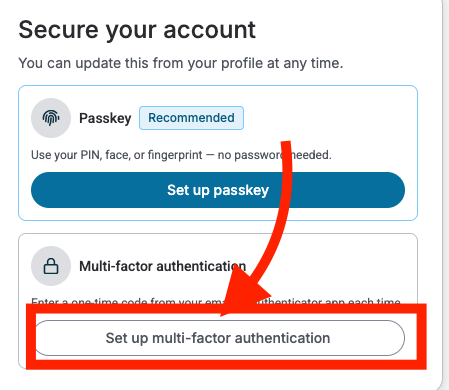
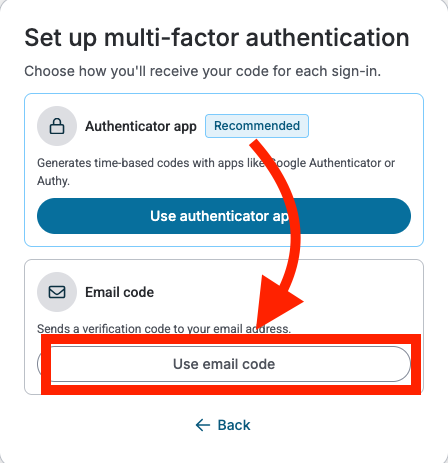
Step 3. On this page click 'Set up multi-factor authentication' then select 'Use email code'
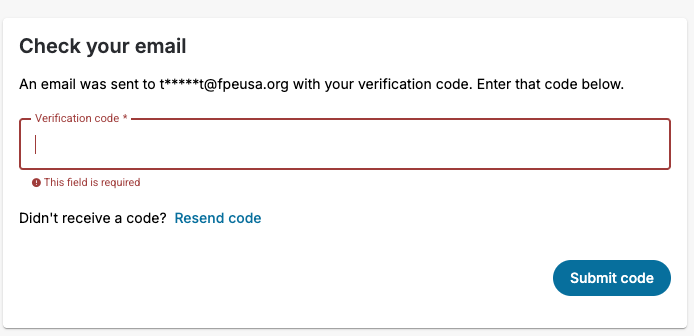
Step 4. Wait for an email from FACTS then input email code and click 'Submit code'
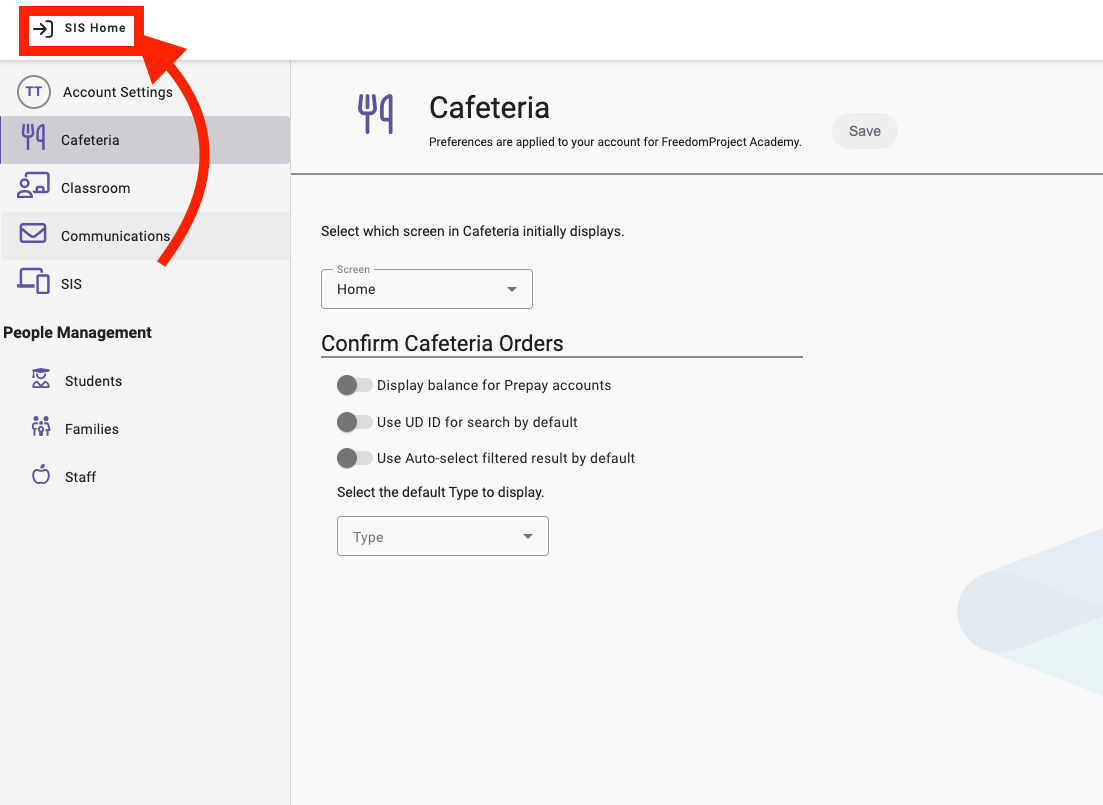
Step 5. On this page click 'SIS Home'
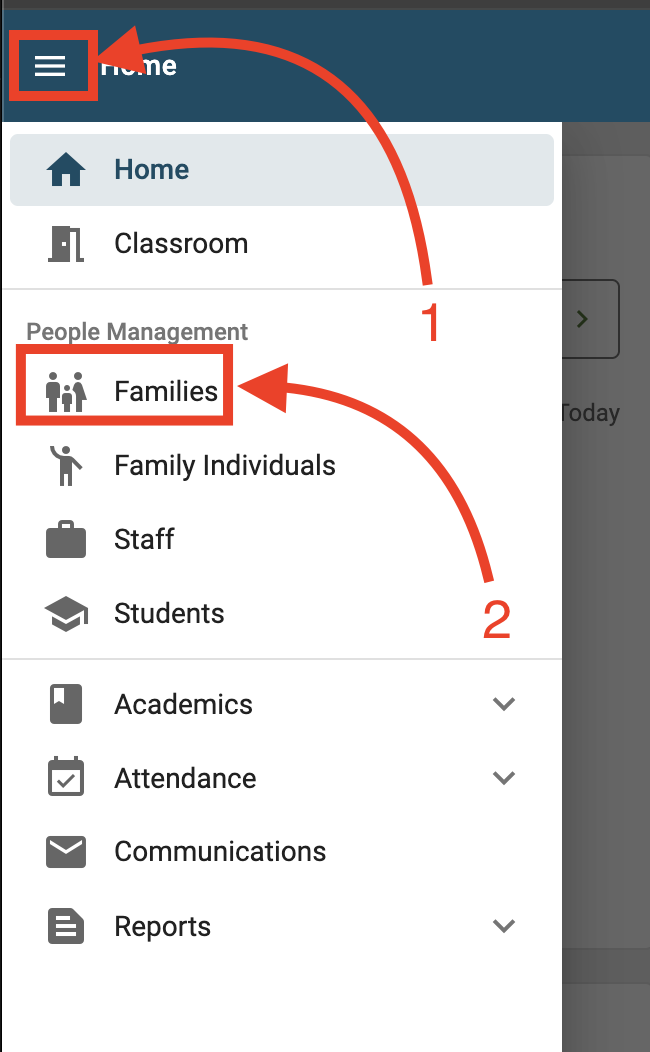
Step 6. On this webpage click the burger menu and then 'Families'
Step 7. You should now see all the families enrolled in your courses
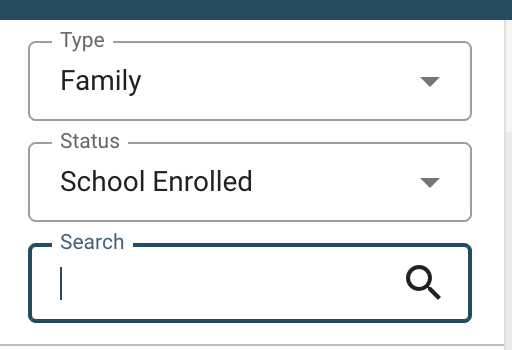
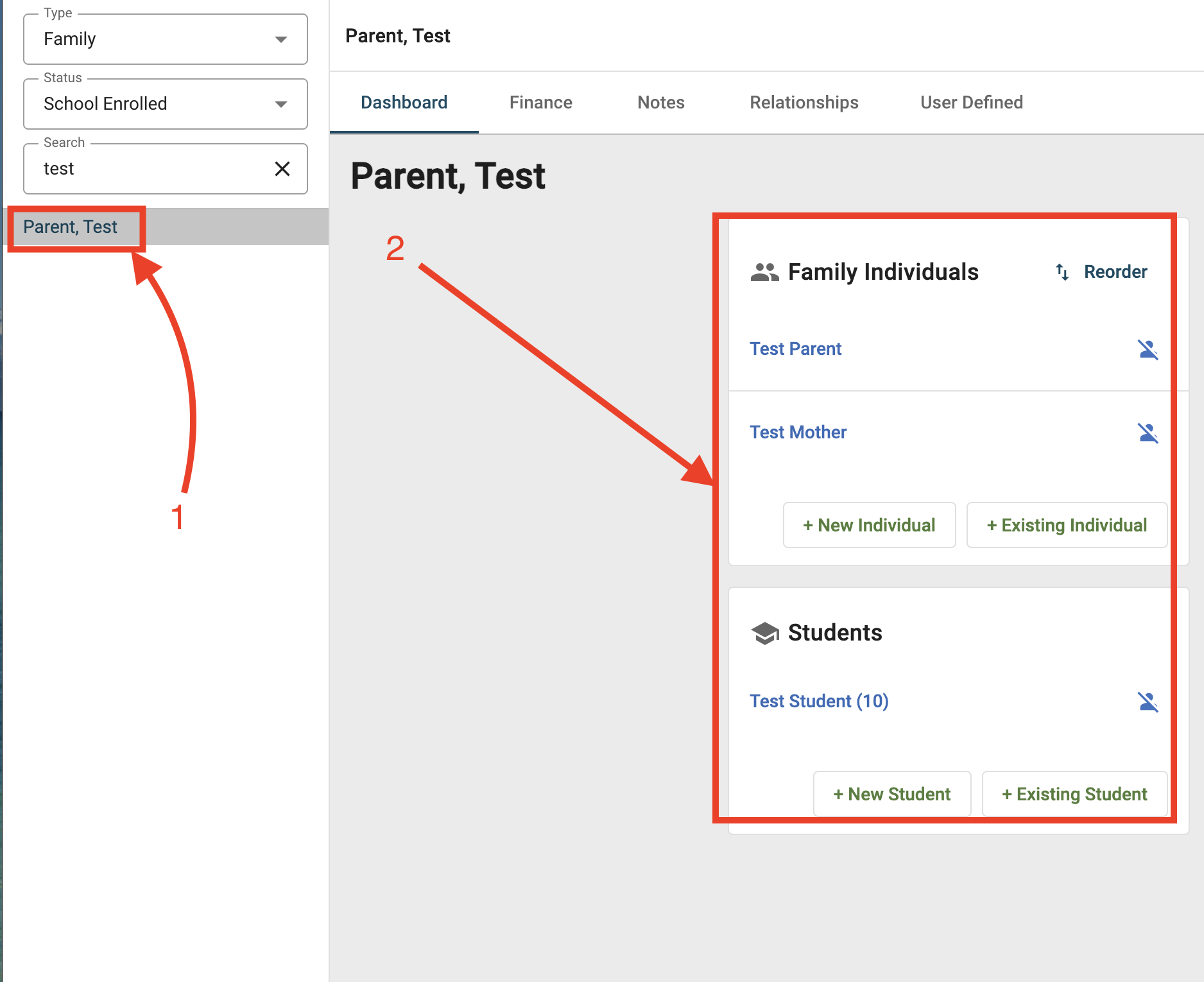
Step 8. Once you click on a family; please click the name under 'Family Individuals' for parents our a student name for 'Students'
Step 9. You should see a record that will include address, phone number and email information (Note: Student emails are not active emails (Please message students using Canvas Messenger))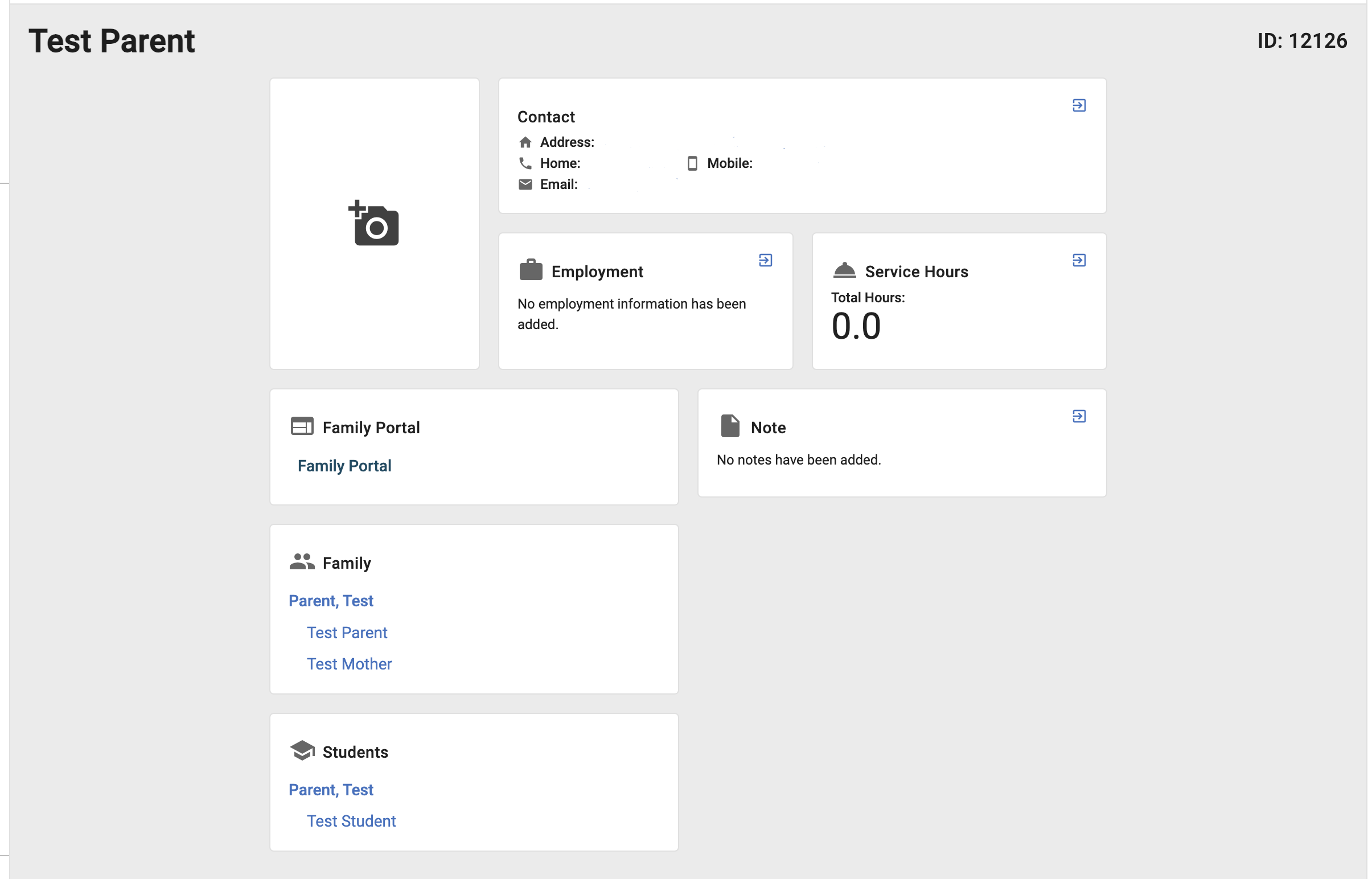
***IF YOU WANT THE FULL CLASS ROSTER CLICK HERE: https://fpeusa.freshdesk.com/a/solutions/articles/43000796561