
Step 1. Go to https://sis.factsmgt.com/family-portal
Step 2. Under 'District Code' Type 'FPA-WI' (Do not create a separate account or new username.)
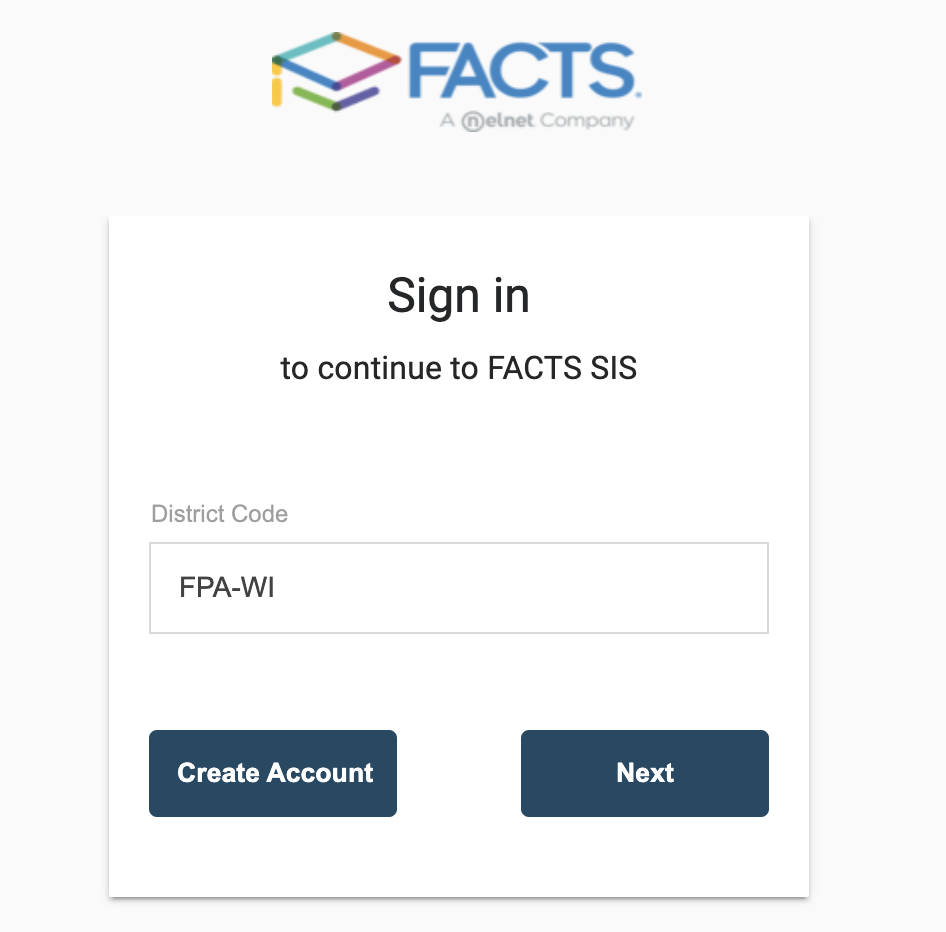
Step 3. Click 'Next'
Step 4. Type in Email or username you used to register account
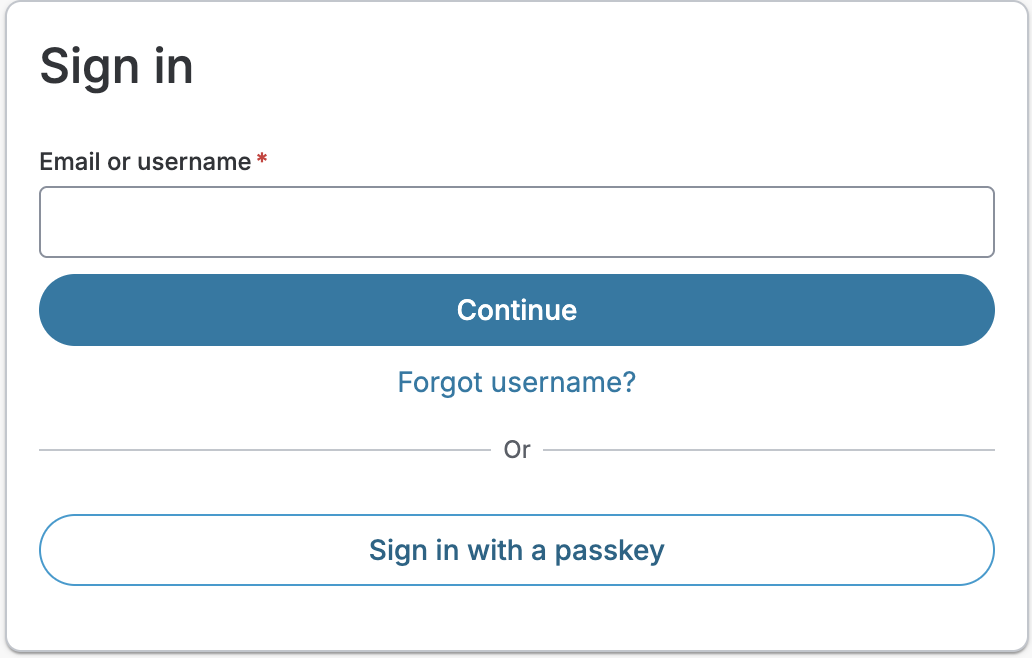
Step 5. Insert Password you used in to register account
Step 6. Complete the multi-factor authentication or authentication question steps if prompted.
Step 7. When directed to Family Portal click 'Financial' then 'Make a Payment'
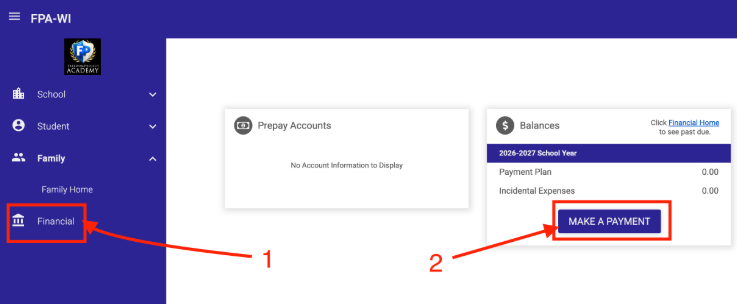
Step 8. If you need to set up a payment plan or view financial records 'Financial Home'
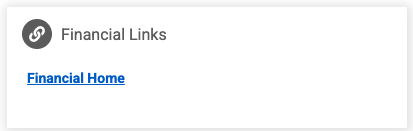
Step 9. Then next to 'Payment Plan & Billing' you can by clicking 'Set up Payment Plan' and 'View Details; to view Payment Schedule for upcoming Payments, 'Transactions', 'Balances', 'Payments Made', 'Changes' to your account
