
Step 1. Go to https://sis.factsmgt.com/family-portal
Step 2. Type in 'FPA-WI'
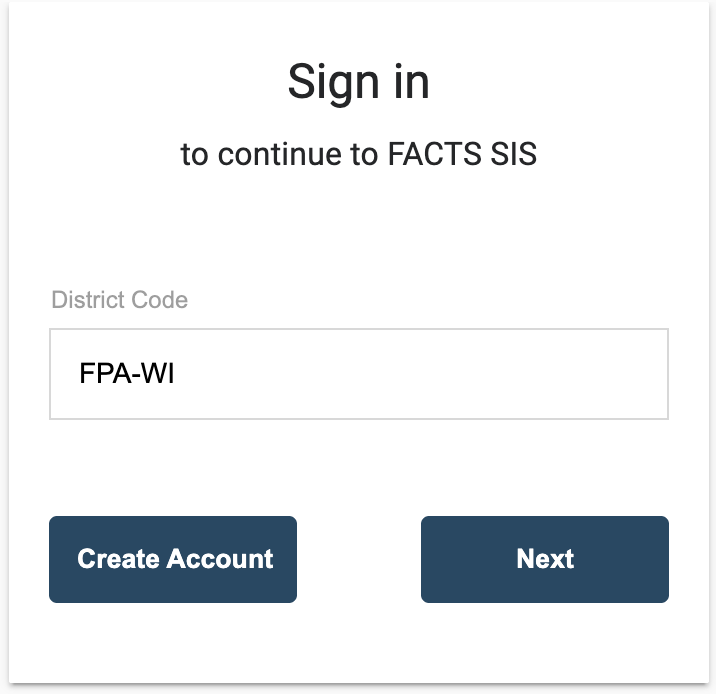
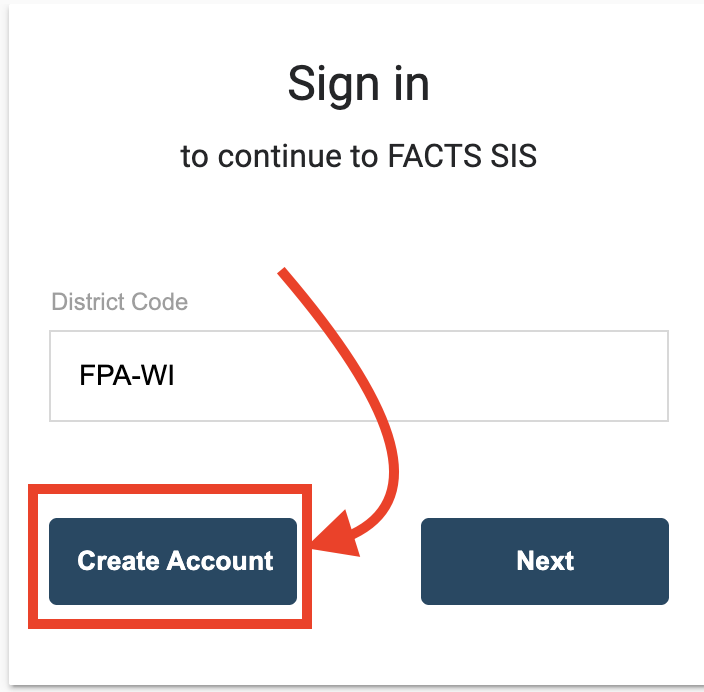
Step 3. Click 'Create Account'
Step 4. Put in the email you used to sign up for FACTS
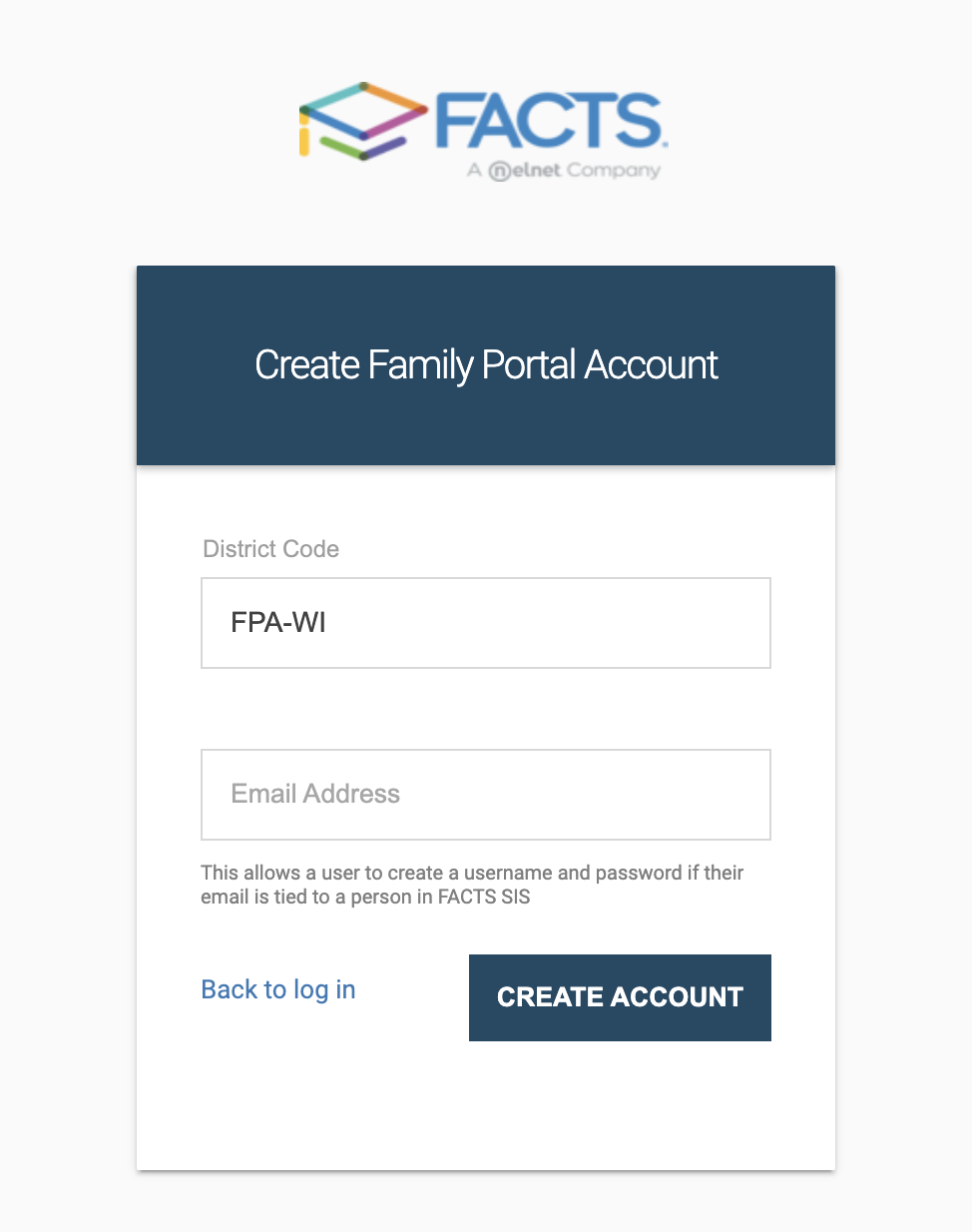
Step 5. Click 'Create Account'

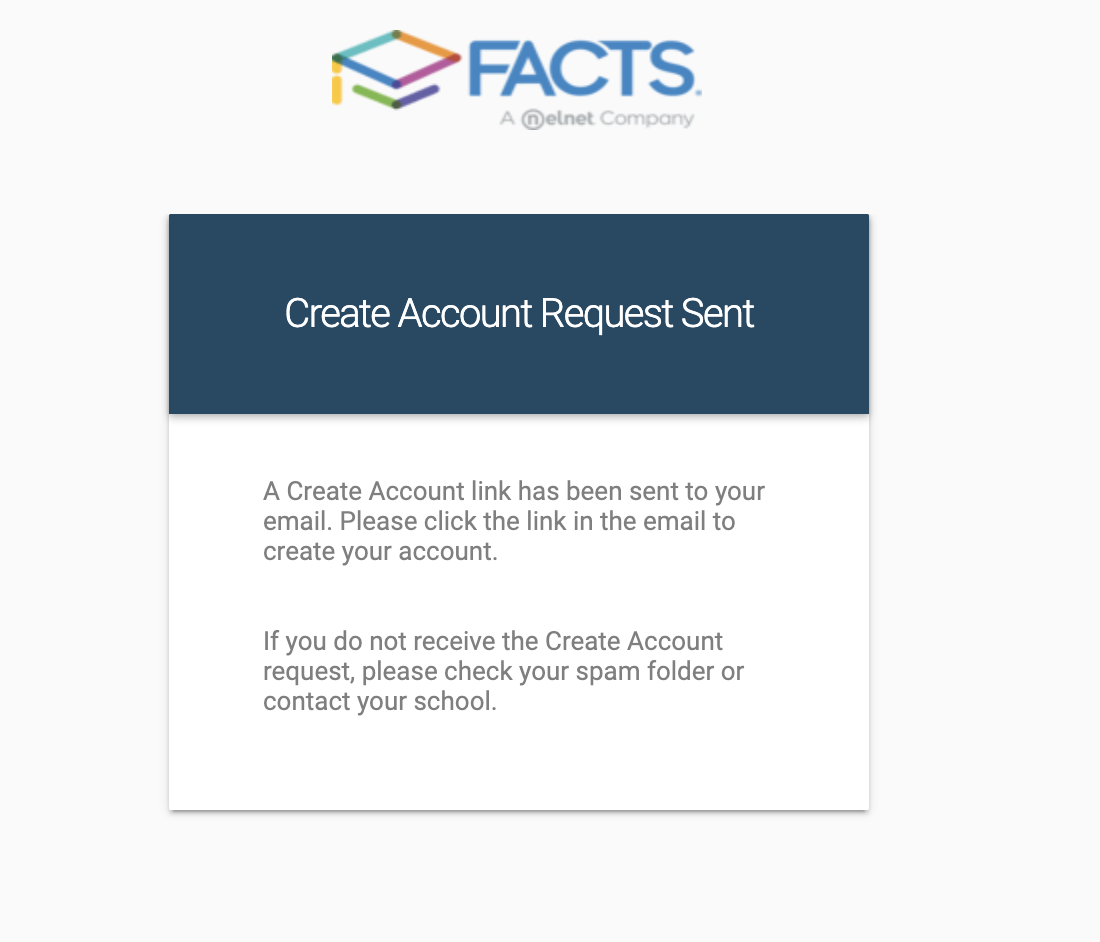
Step 6. You should see
Step 7. Please check your email account for a email that looks like
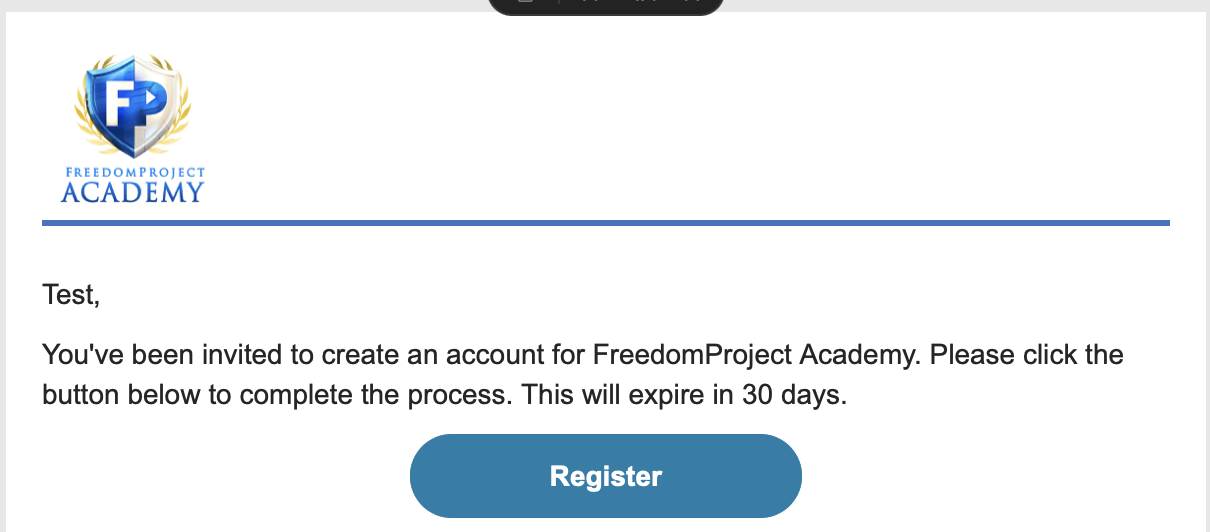
click 'Register'
Step 8. If you see 'Existing account on file' option click 'Sign In'
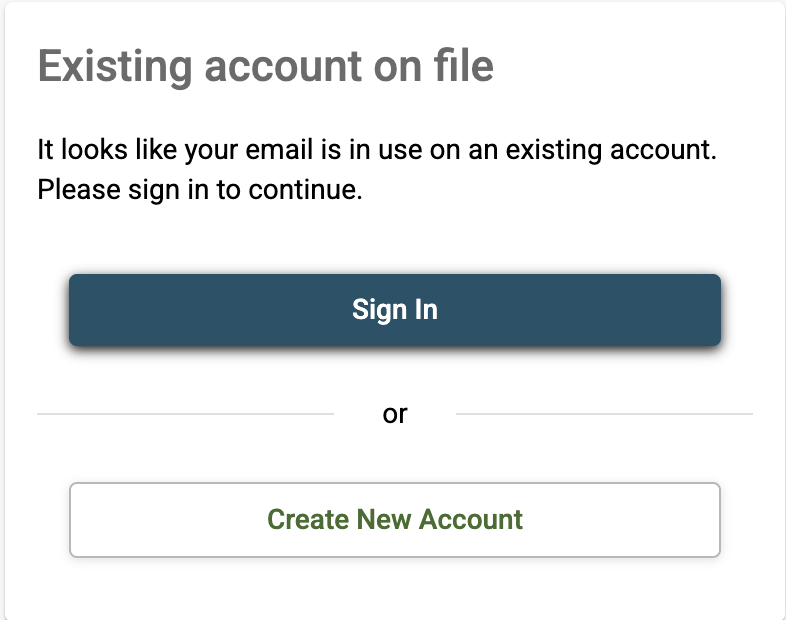
Step 9. If prompted, Enter your email and password previously used to sign in to FACTS Financial.
Step 10. Please fill in your new registration information and click next
Step 11. Proceed through steps to be directed to Family Portal.
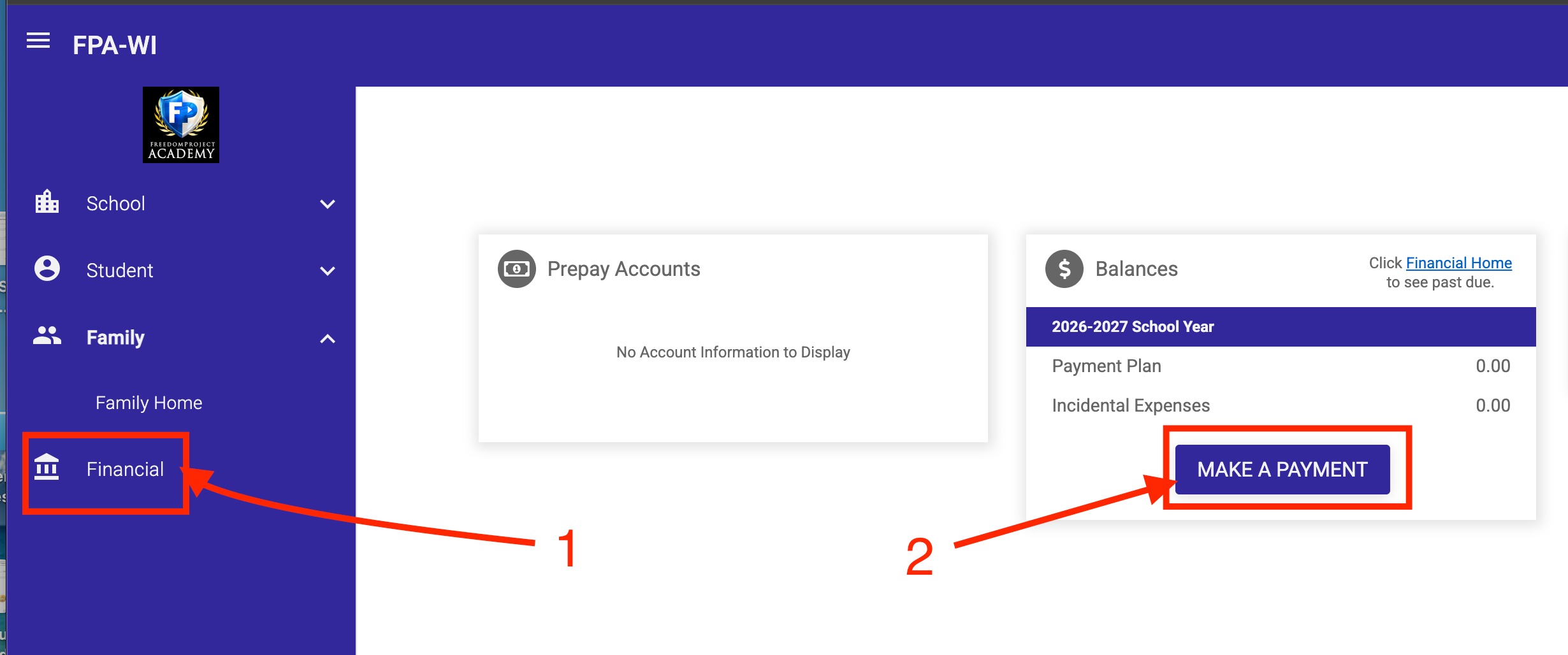
Step 12. When directed to Family Portal click 'Financial' then 'Make a Payment'
Step 13. If you need to set up a payment plan or view financial records 'Financial Home'
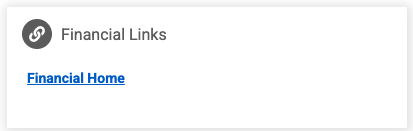
Step 14. Then next to 'Payment Plan & Billing' you can by clicking 'Set up Payment Plan' and 'View Details; to view Payment Schedule for upcoming Payments, 'Transactions', 'Balances', 'Payments Made', 'Changes' to your account
