Starting Homeschool Classes:
STEP 1. Open a Web Browser like Google Chrome, Microsoft Edge or Safari
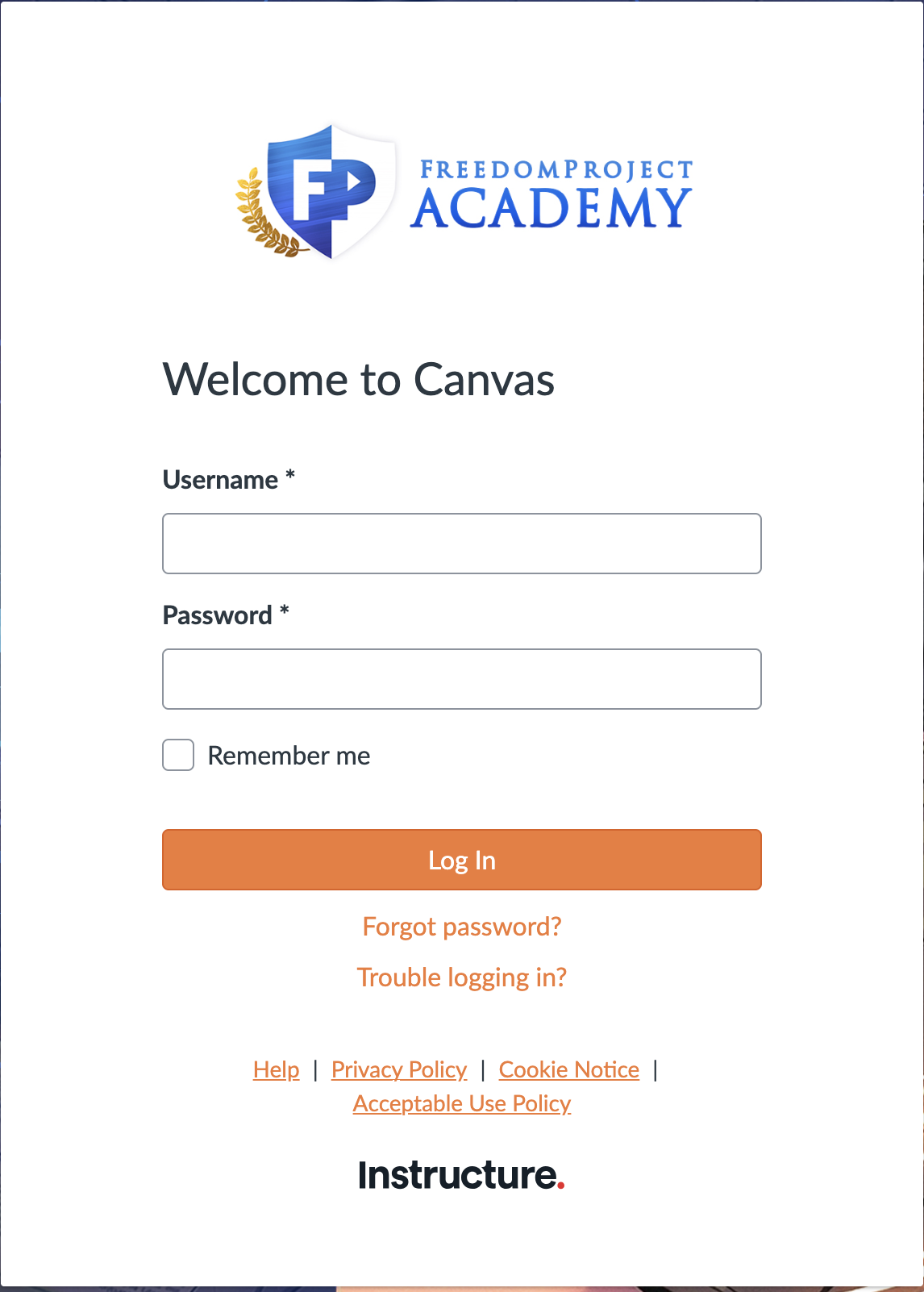
STEP 2 - Log into Student Canvas, https://fpeusa.instructure.com/login/canvas
Login using your Canvas/Blackbaud username and password. (If you don’t know your username or password please email techsupport@fpeusa.org OR call FreedomProject at 920.749.3793)

STEP 3 – If you are new to FPA, please review and agree to the “Acceptable Use Policy” before proceeding. .
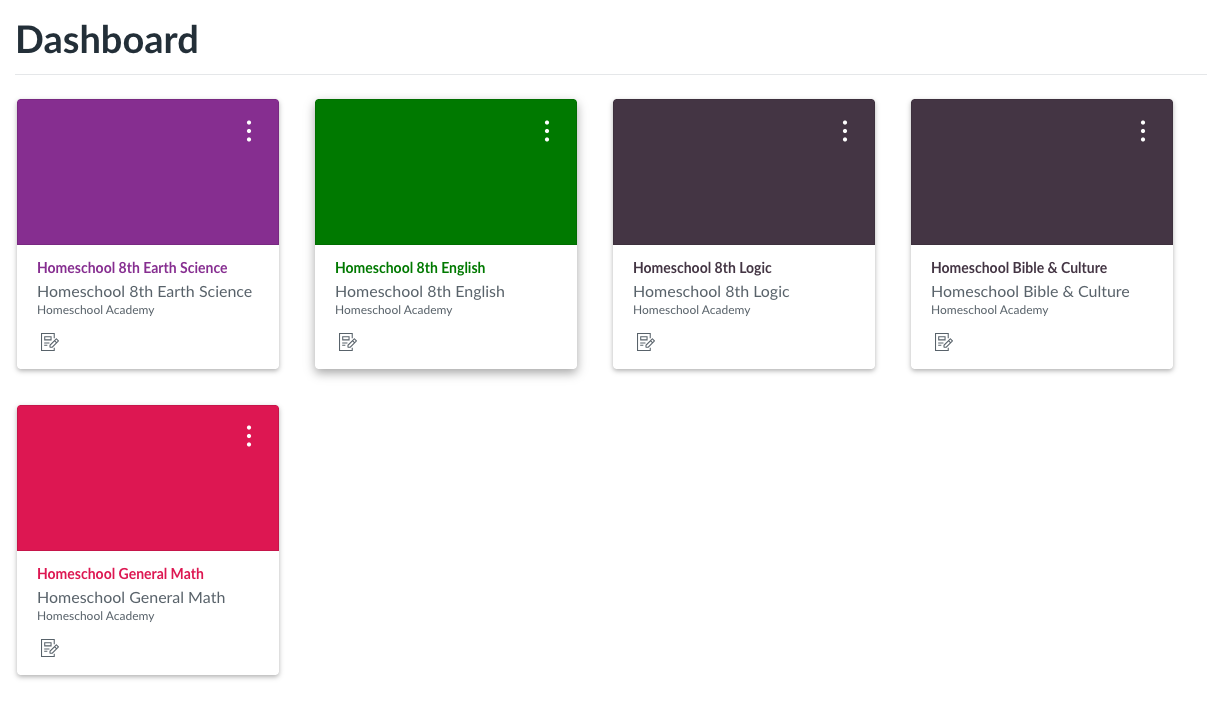
STEP 4 – On your Canvas homepage click “Dashboard”
Above the “Dashboard” tab if you will see a course invitation option(s). Click“Accept”
STEP 5 - Now you should see your class(es) under the dashboard. (You can also click the “Courses” tab on the left side of the screen to see your classes.)
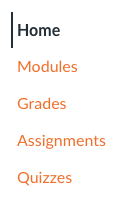
STEP 6 - Click on the course you wish to enter. You will now see your course with a menu that includes "Home" , “Modules”, “Grades”, “Assignments” and "Quizzes"
STEP 7 - Under Modules in the introduction module click the “Introduction to Homeschool Academy” video by clicking on the name. After watching the video, click Next at the bottom right of the window. You can navigate through the modules in the course by clicking Next or Previous.
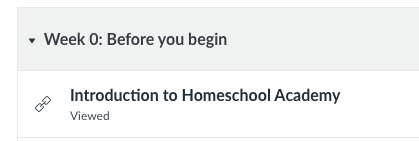
STEP 8 - You can also navigate by clicking on “Modules” and seeing which module to you left off in the course. However, you can’t go on until you have completed the requirements of each module in order.
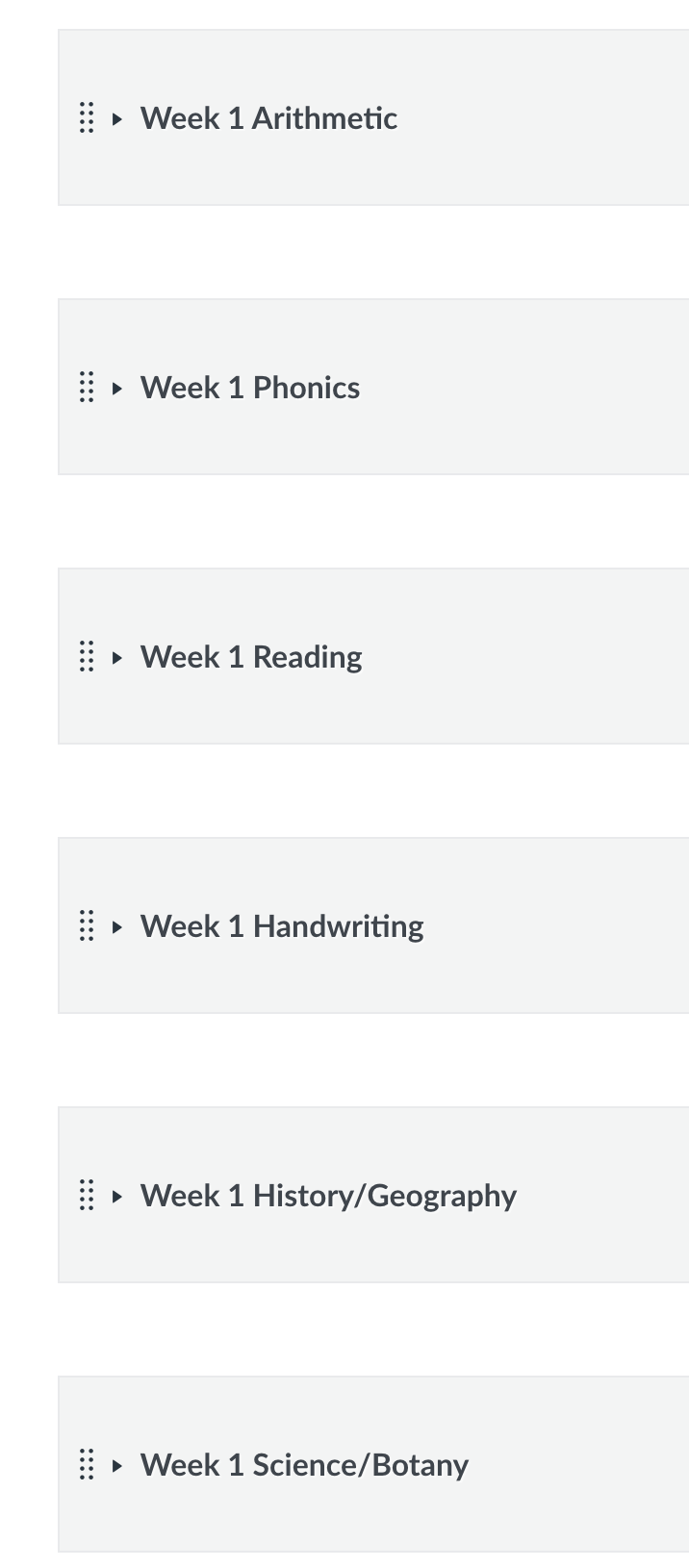
Step 9. Under 'Modules' you will see a list of weeks and subjects. Each subject is completed per week with a list of assignments.