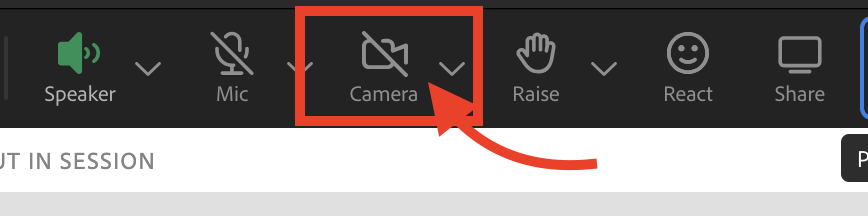
Step 1. Click on the camera icon on the top of the Adobe Connect application
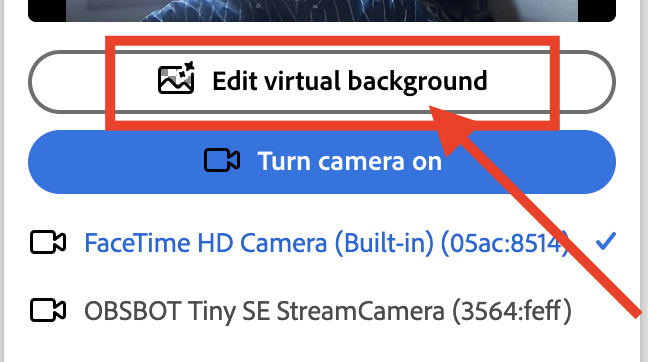
Step 2. Click 'Edit virtual background'
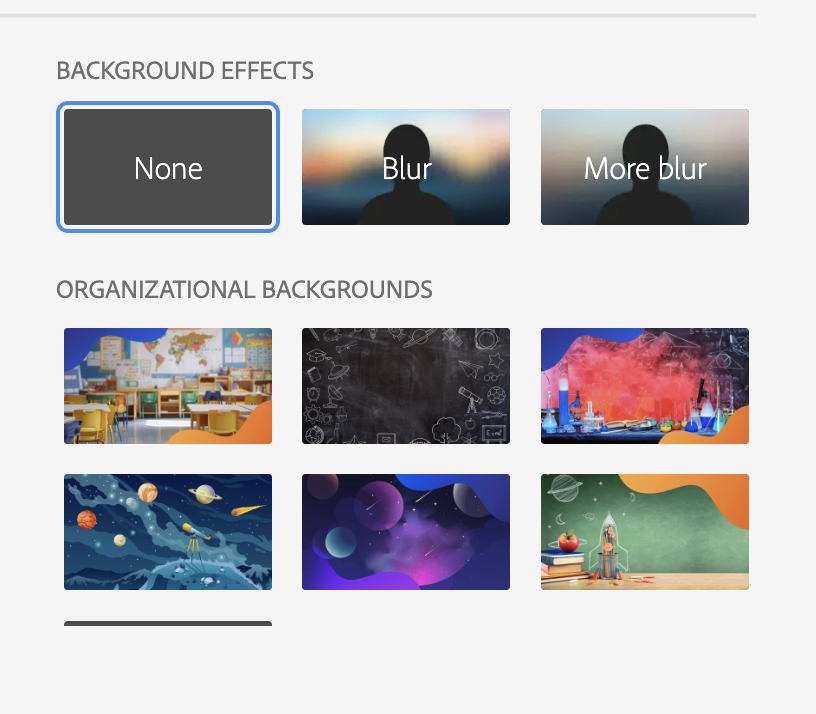
Step 3. Select a background
Step 4. Click 'Done'

Modified on: Mon, 23 Mar, 2026 at 12:55 PM
Step 1. Click on the camera icon on the top of the Adobe Connect application
Step 2. Click 'Edit virtual background'
Step 3. Select a background
Step 4. Click 'Done'
Did you find it helpful? Yes No
Send feedback