
Step 1. In your course, Click Assignments in the left menu.
Step 2. Click the name of the assignment you want to reopen.
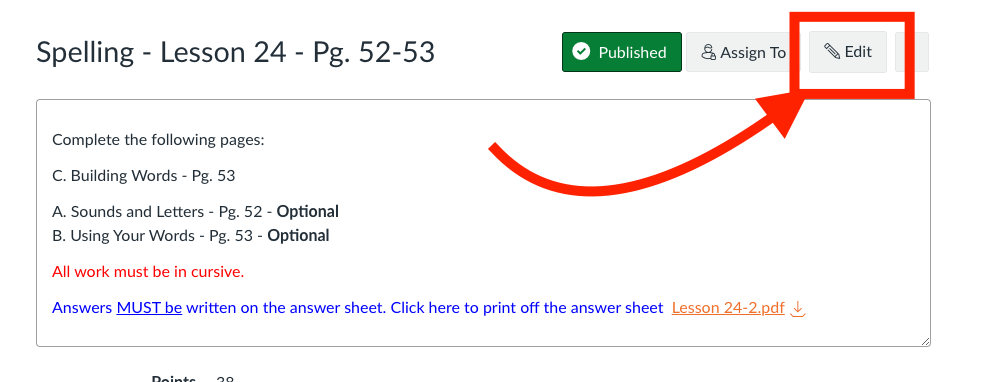
Step 3. Click Edit (top right).
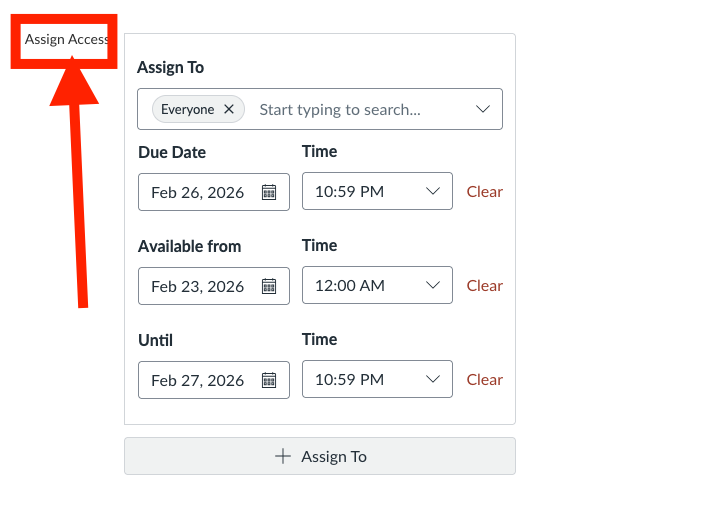
Step 4. Scroll to the bottom to the Assign Access section.
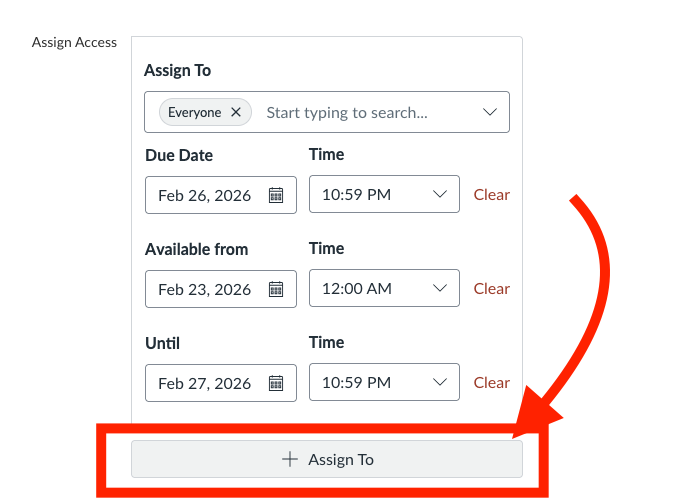
Step 5 Click + Assign To.
Step 6.
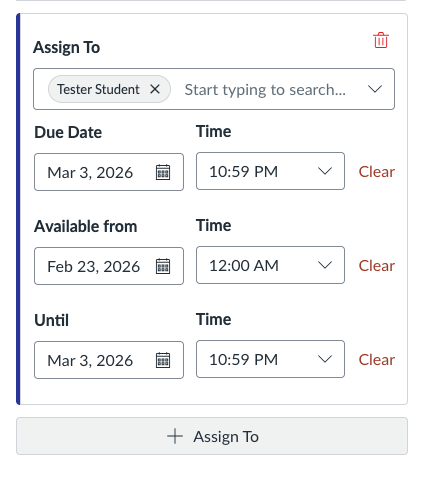
In the new box:
Type and select the student’s name.
Set a new Due date (if needed).
Set a future Until date.
Step 7.
Click Save.
Only that student can now resubmit.