
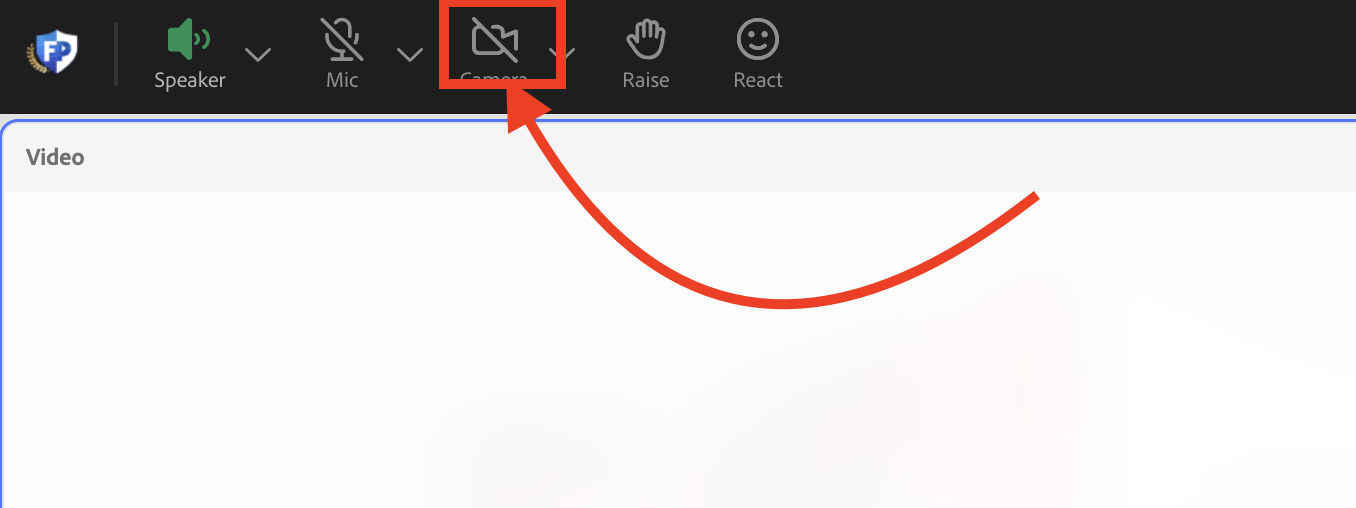
Step 1. Please click the camera icon in Adobe Connect
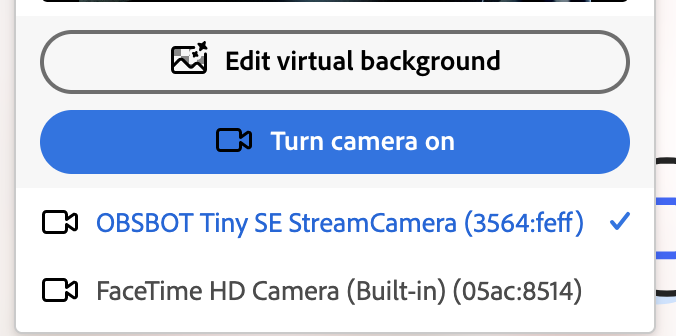
Step 2. Make sure you have the correct camera selected and set a virtual background if needed. Then clock 'Turn camera on'
Step 3. Once your camera is on if you hover over the camera pod you will see a bar pop up at the top.
Step 4. Click the mirroring icon in the upper right hand side of the pod
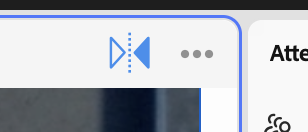
Your camera icon is now mirrored!
Issue/Product | How to mirror your camera |
Version # | N/A |
Solution or Work-around | Solution |