
Step 1. Click on the placement class link sent in the email.
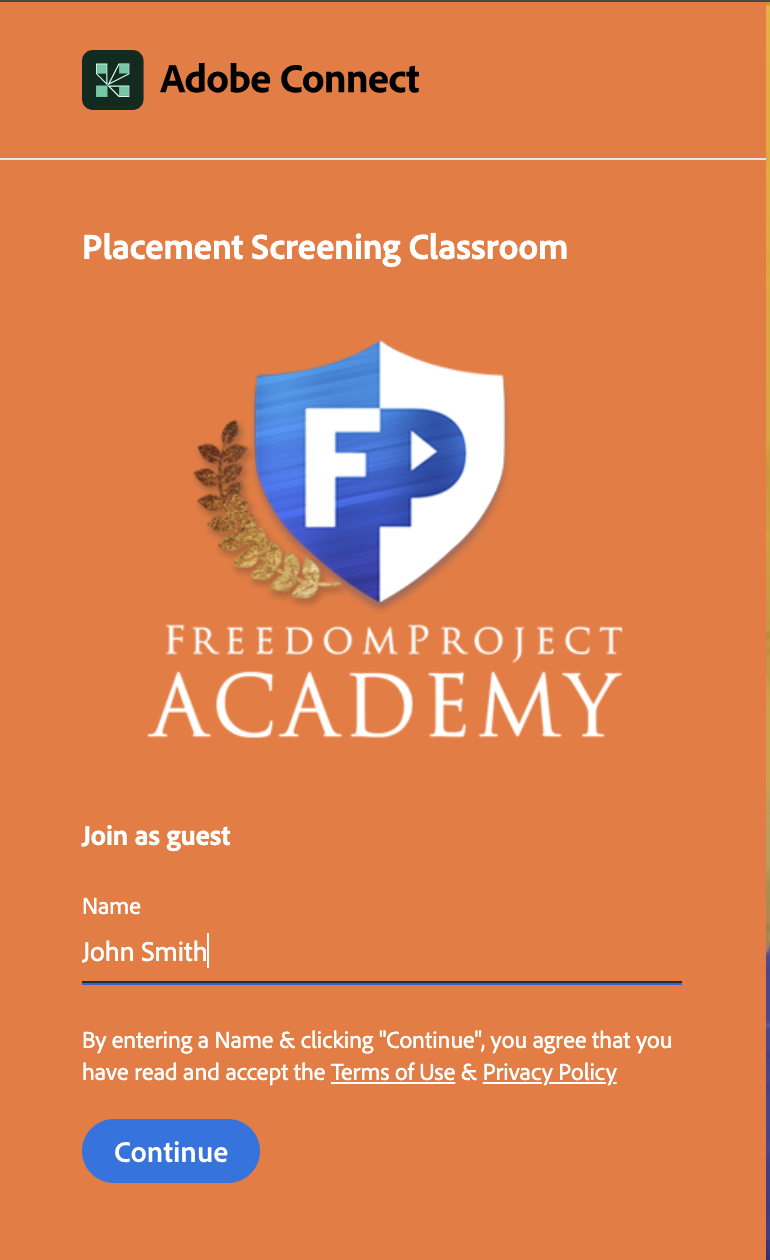
Step 2. On your Adobe Connect screen under 'join as guest' type in your students first and last name then click 'Continue'
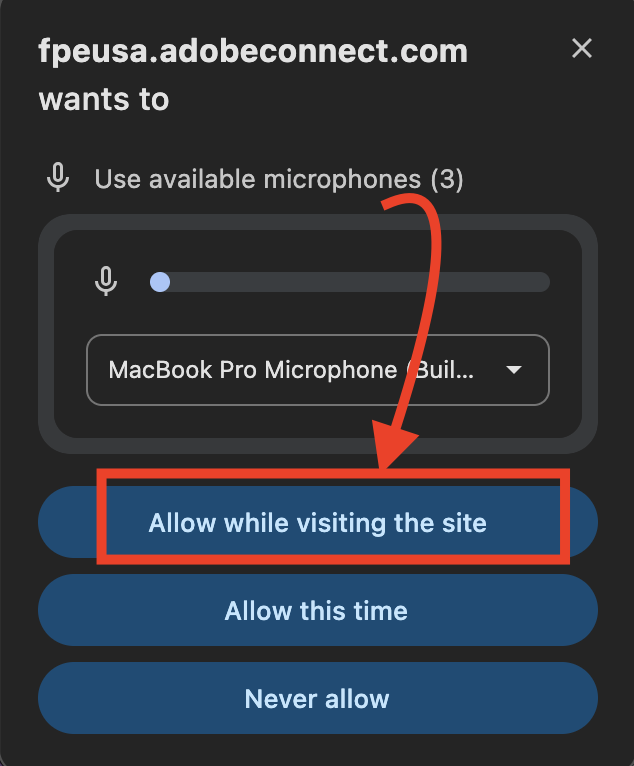
Step 3. Allow Microphone permissions
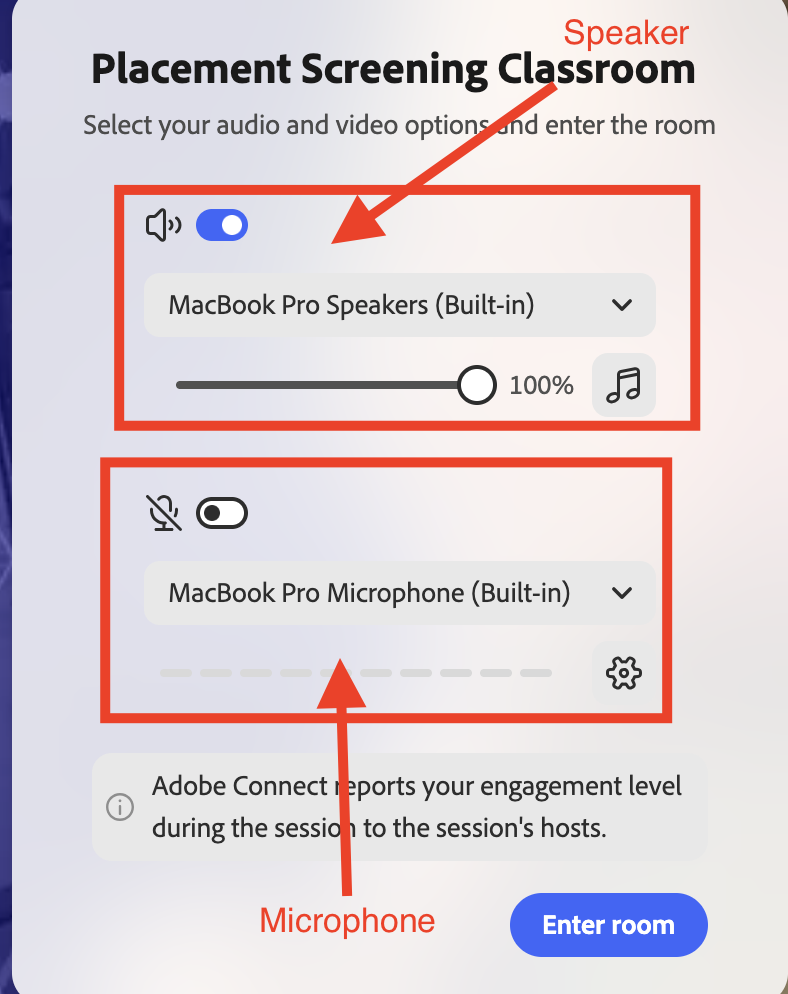
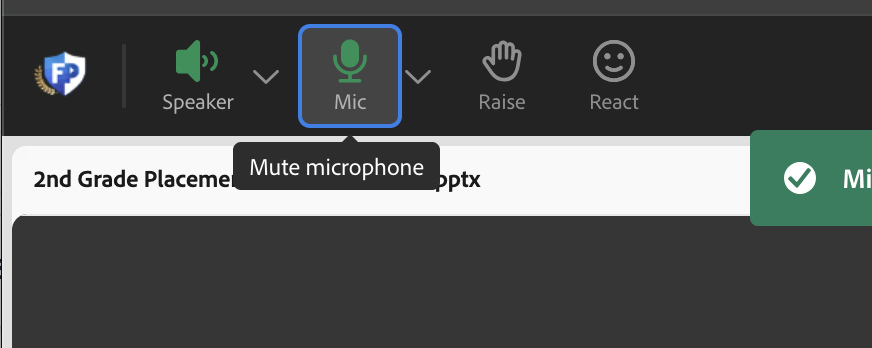
Step 4. Select your speaker and microphone you want to use(The arrow to the left of the speaker/microphone option will allow you to select other options)
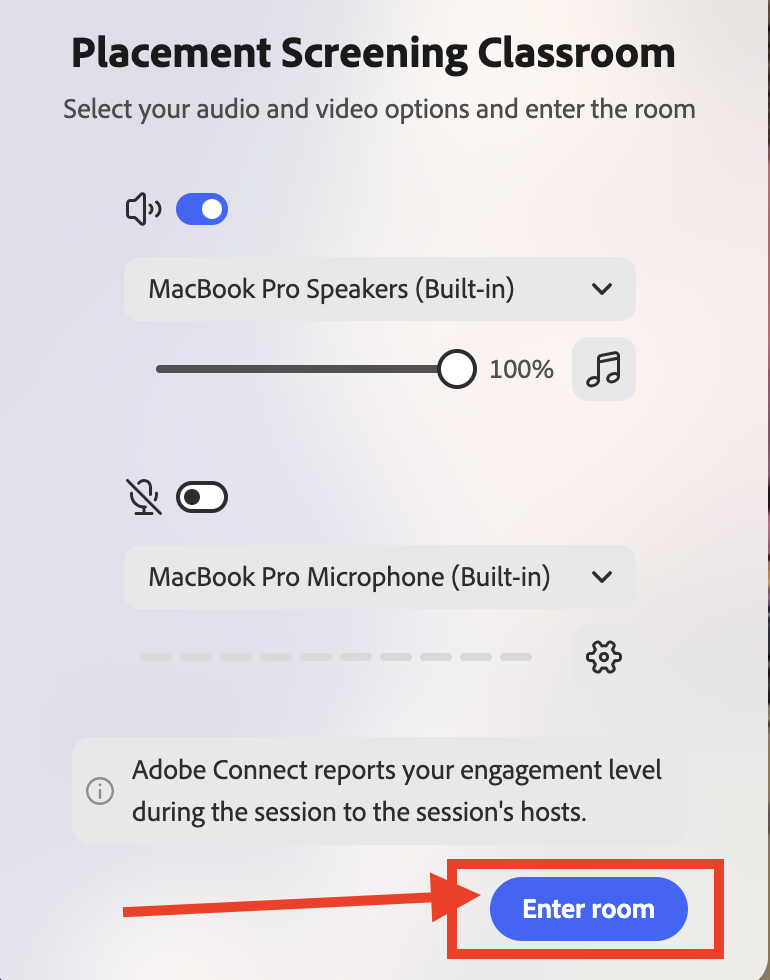
Step 5. Click 'Enter room'
Step 6. Make sure the microphone at the top of the screen is green (You can make it green by clicking on it once)
Step 7. Please wait for instruction from the placement test screener.