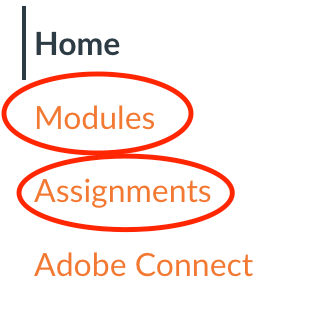
Step 1. In your Canvas course please find the assignment you need to do the audio recording for. (You find it under 'Assignments' or 'Modules')
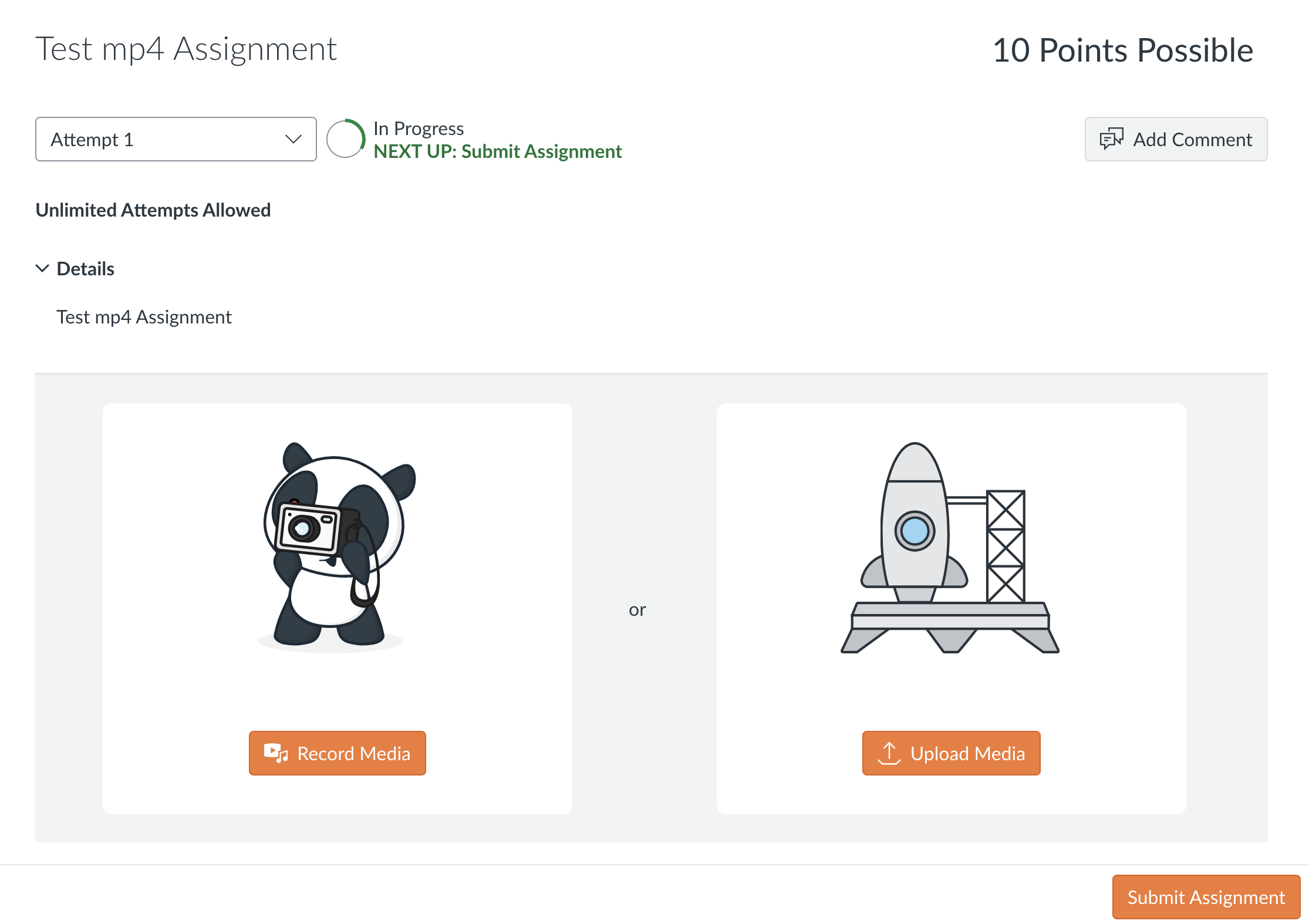
Step 2. Once you click in to the assignment name you should see the following:
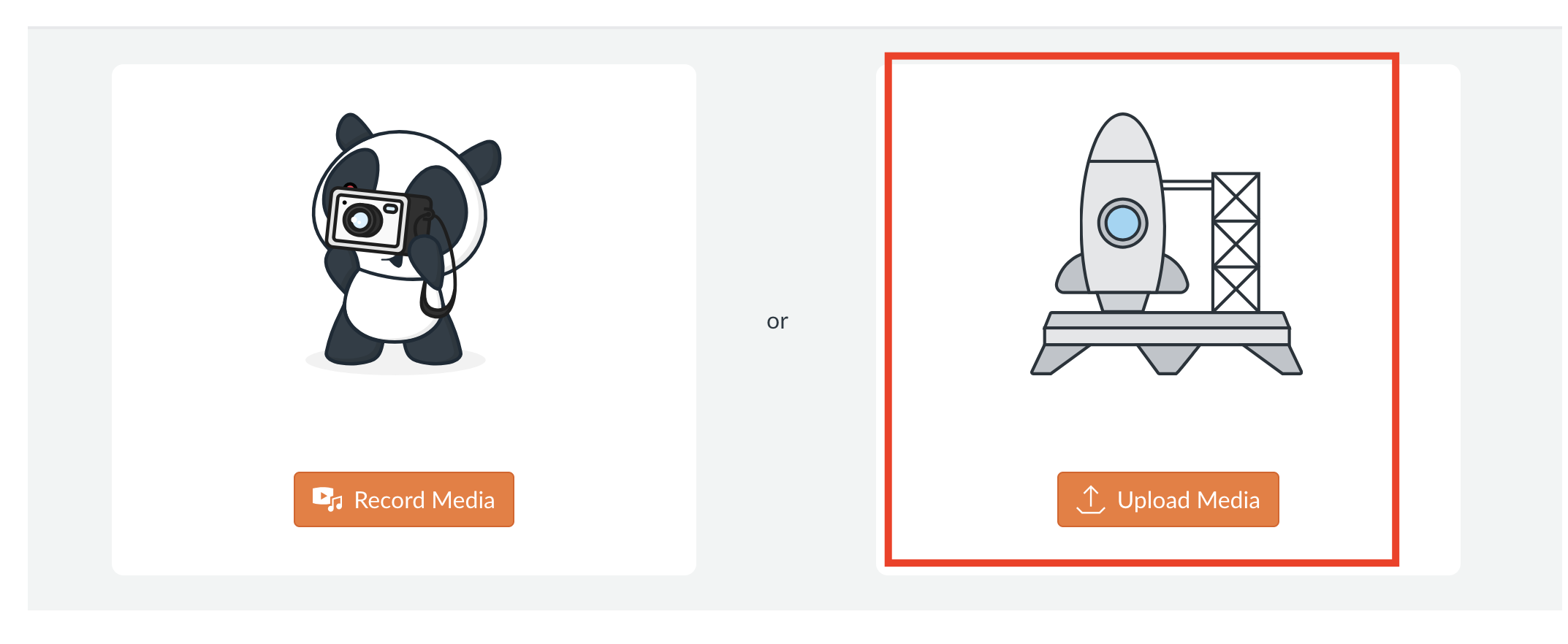
Step 3. On the menu click 'Upload Media'
Step 4. You can drag your file in to the box or click the box once to upload your file from the computer menus
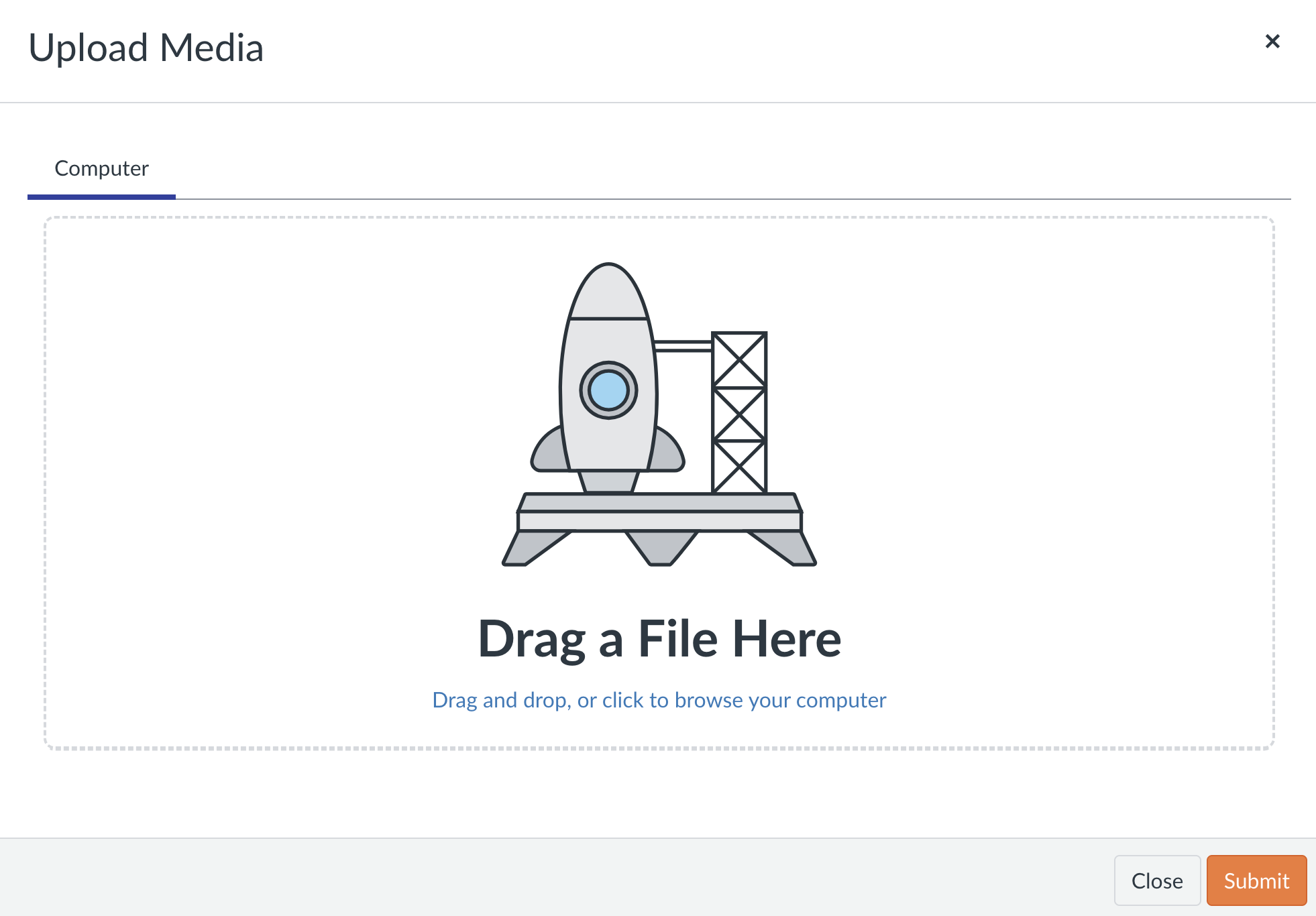
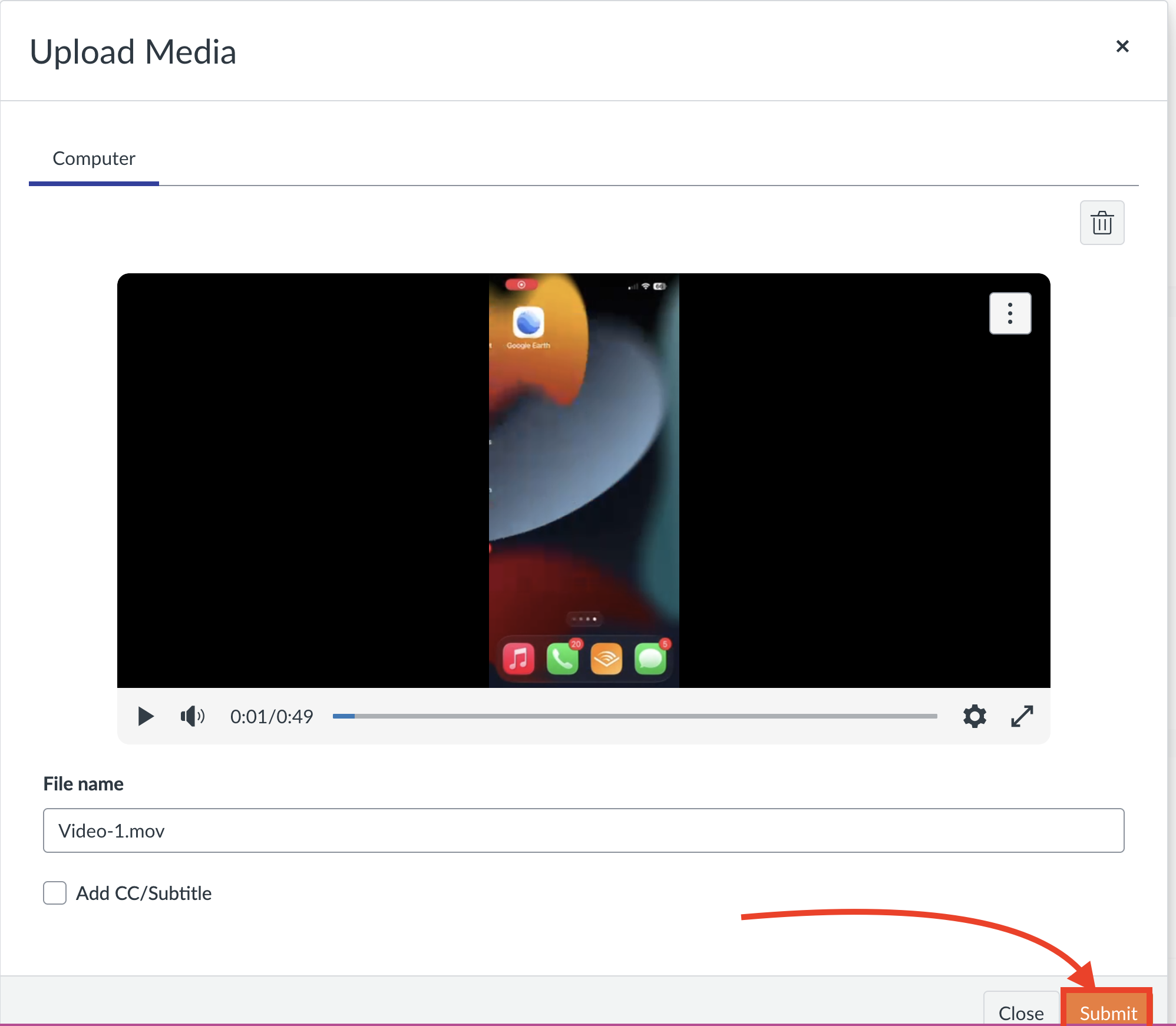
Step 5. Click 'Submit'