
Step 1. Please insert your email in the prompt that says 'Email (BBID)' at https://fpeusa.myschoolapp.com/app/#login
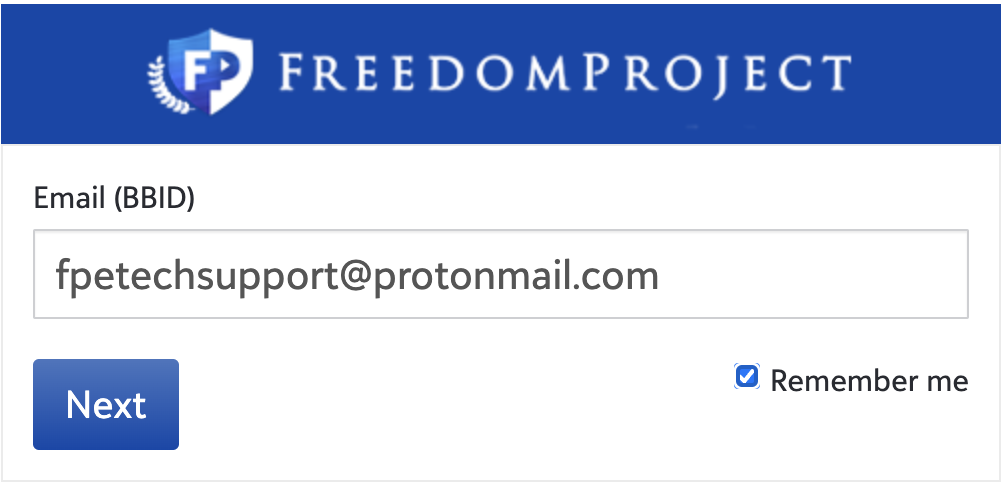
Step 2. Click 'Next'
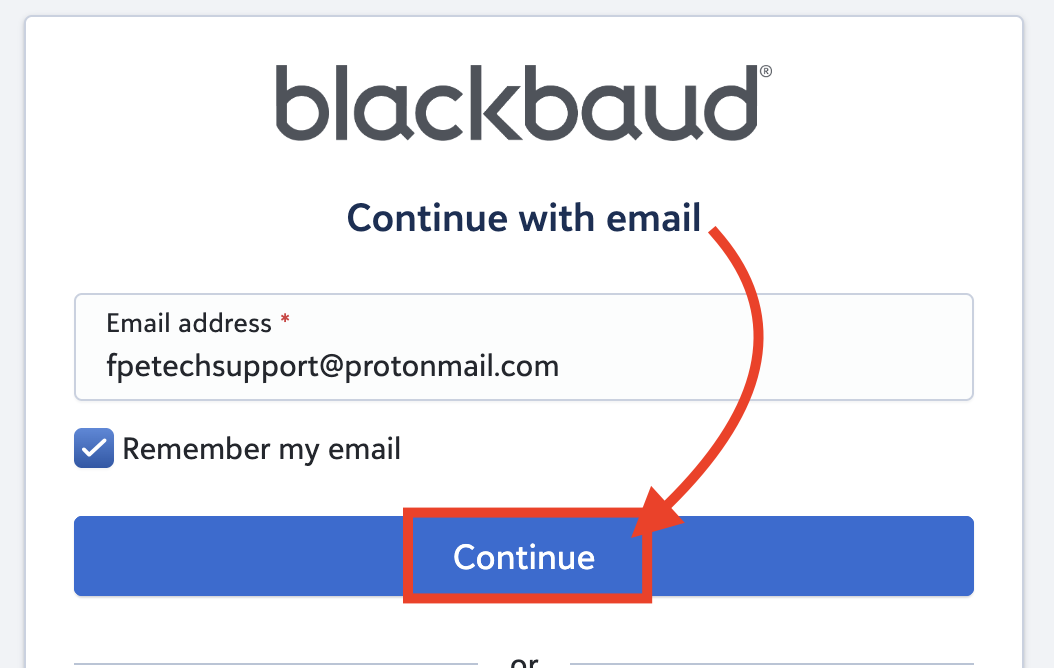
Step 3. Please click 'Continue' and make sure you have 'Remember my email' check marked
Step 4. Please enter the password you created with your account. If you forgot your password please go to this link for directions: https://fpeusa.freshdesk.com/a/solutions/articles/43000691288
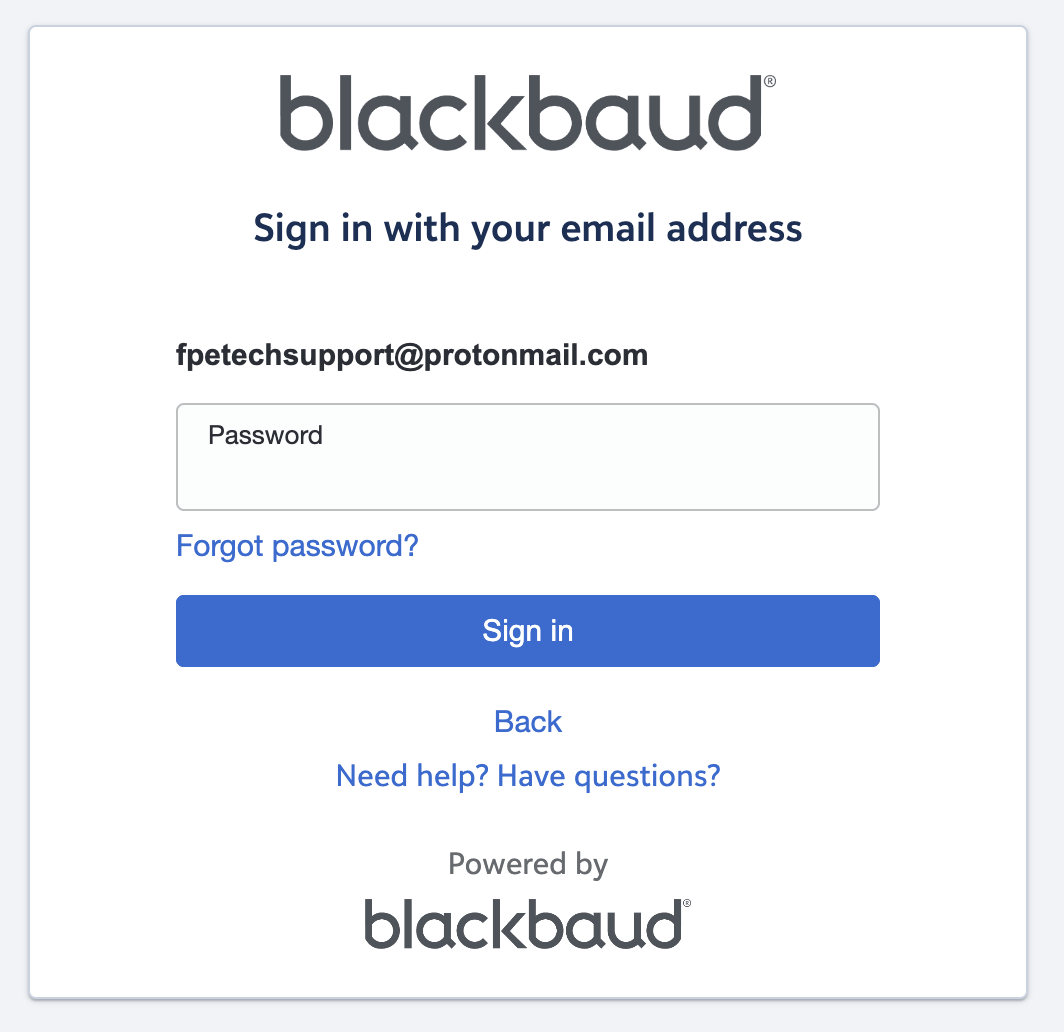
Step 5. Click 'Sign in'

Step 6. You should now be signed in to Blackbaud. If you only see a blank screen please navigate to https://fpeusa.myschoolapp.com/app/parent#resourceboard in your web URL

Issue/Product | How to sign in to Blackbaud without a Gmail or Apple ID |
Version # | 2.0 |
Solution or Work-around | Solution |