
Step 1. Please insert your gmail email in the prompt that says 'Email (BBID)' make sure 'Remember me is checked at fpeusa.myschoolapp.com
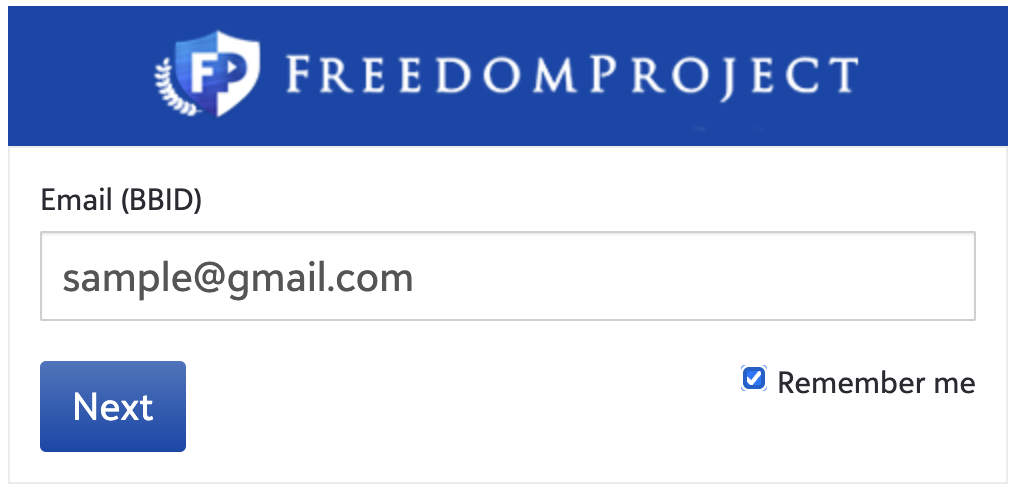
Step 2. Click 'Next'
Step 3. Click 'Continue with Google'
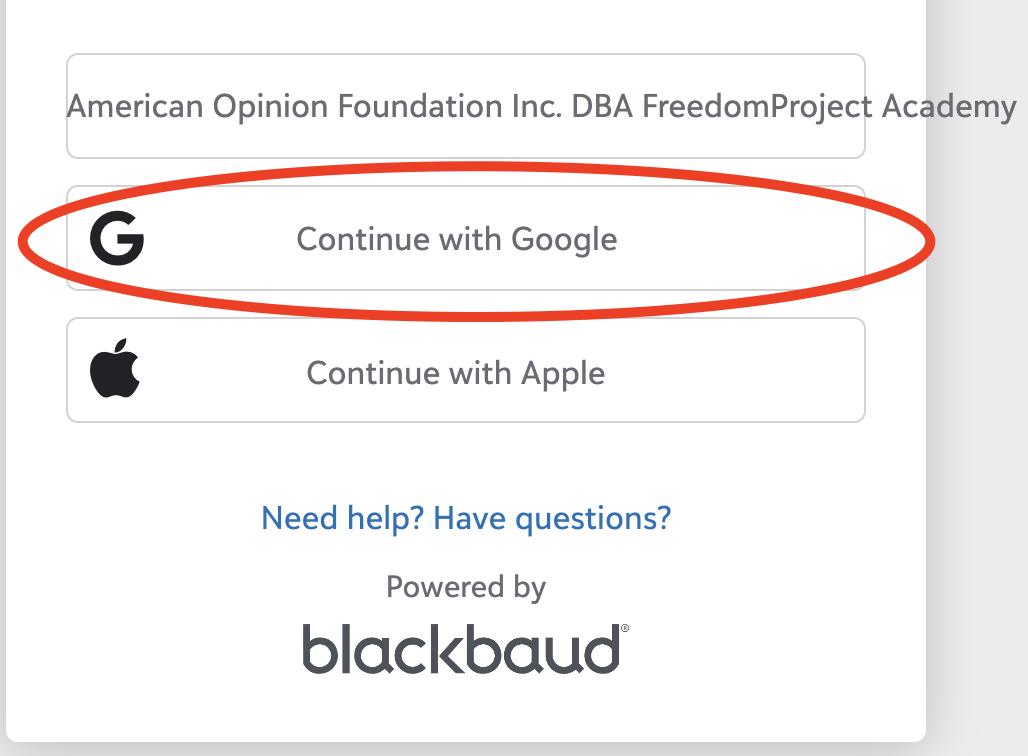
Step 4. Sign in to your gmail with your email credentials
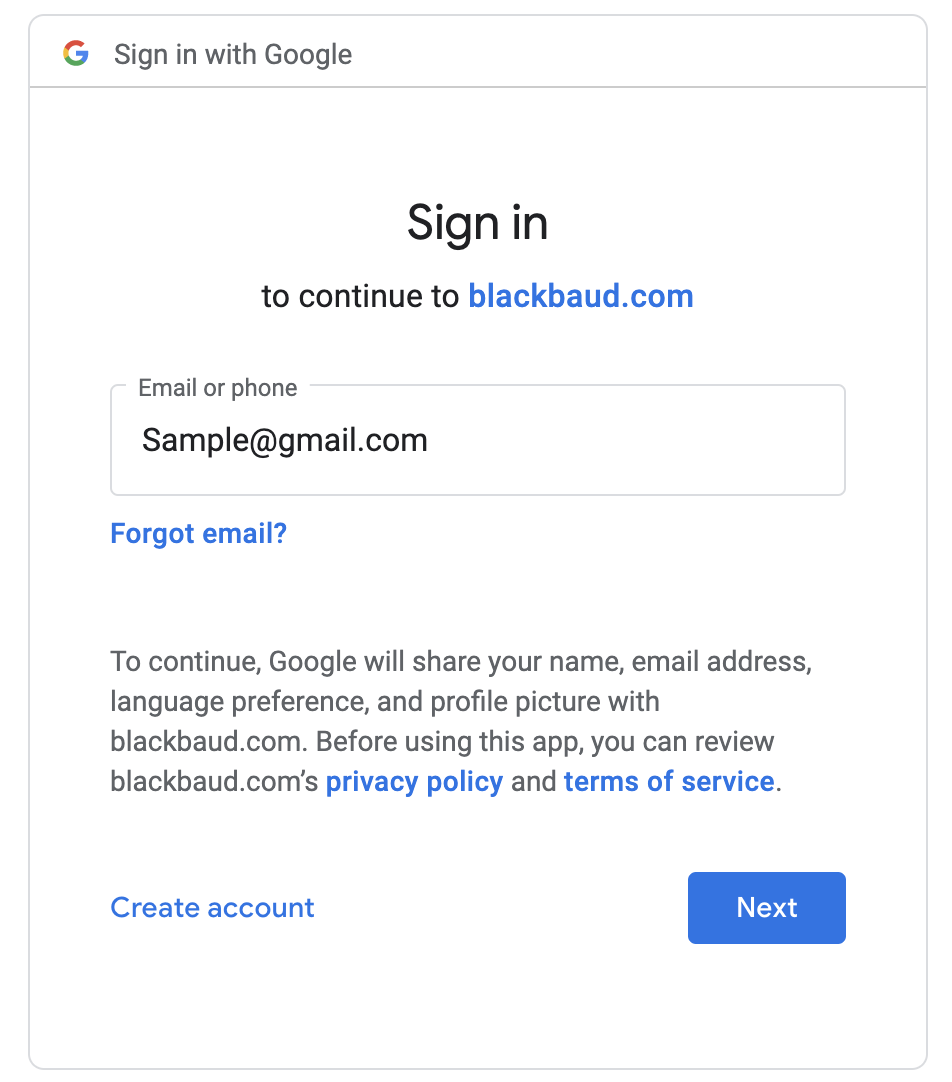 Step 5. Please input your Gmail password
Step 6. You should now be logged in to your Blackbaud Dashboard
Issue/Product | Logging in to Blackbaud with Gmail |
Version # | 2.0 |
Solution or Work-around | Solution |