
Step 1. On a Google Chrome browser go to the web address
https://fpeusa.myschoolapp.com/app#login
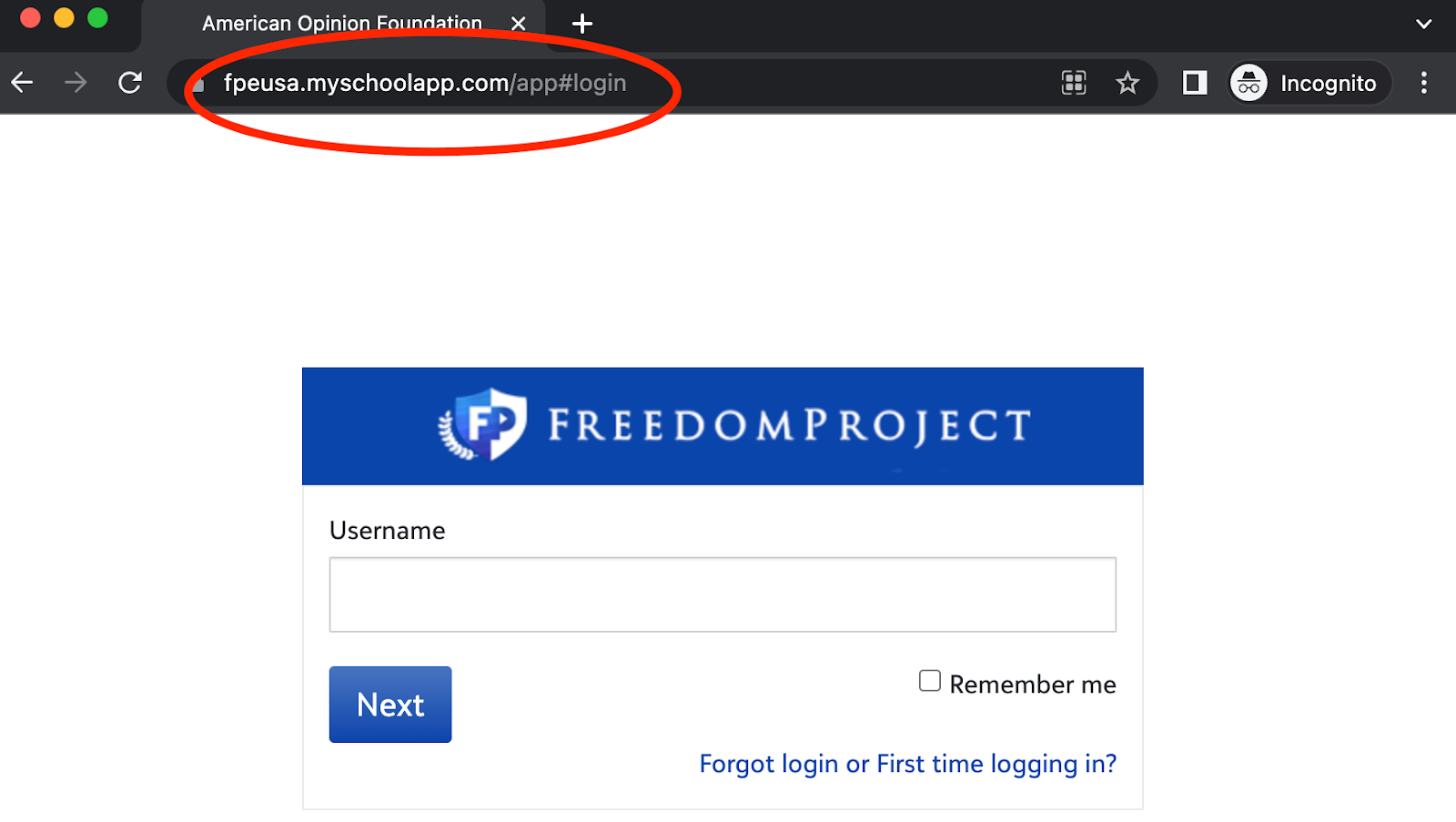
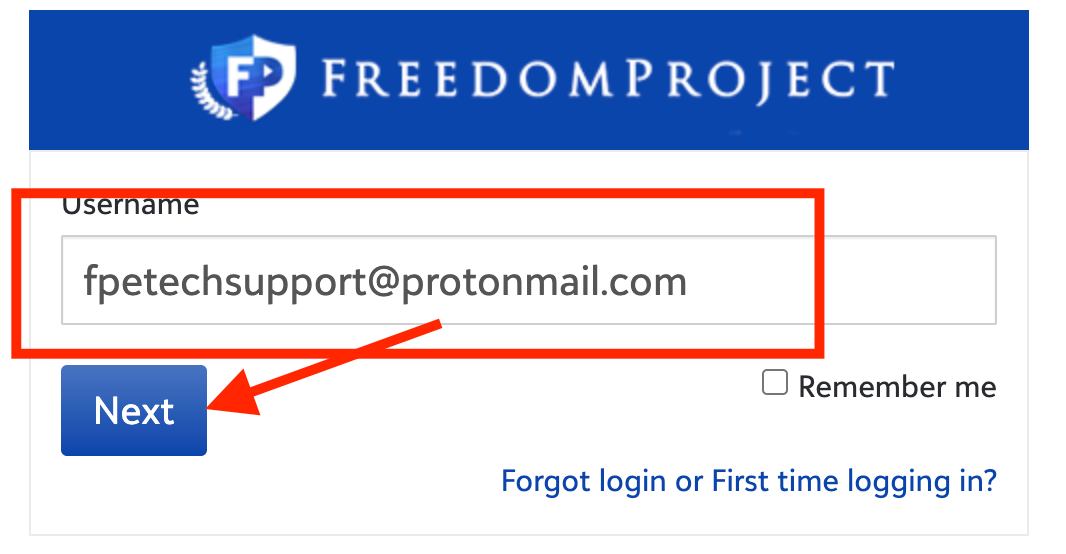
Step 2. Enter the name of your primary email address that you had filled out on Blackbaud then click ‘Next’
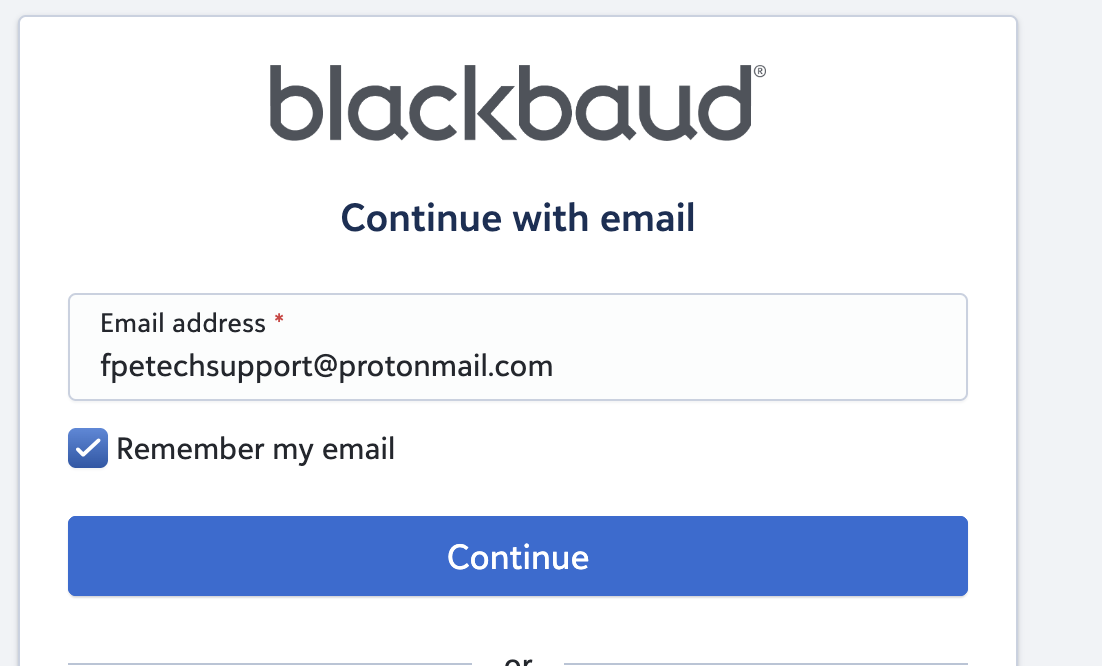
Step 3. Please enter your email and check 'Remember your email' then press 'Continue'
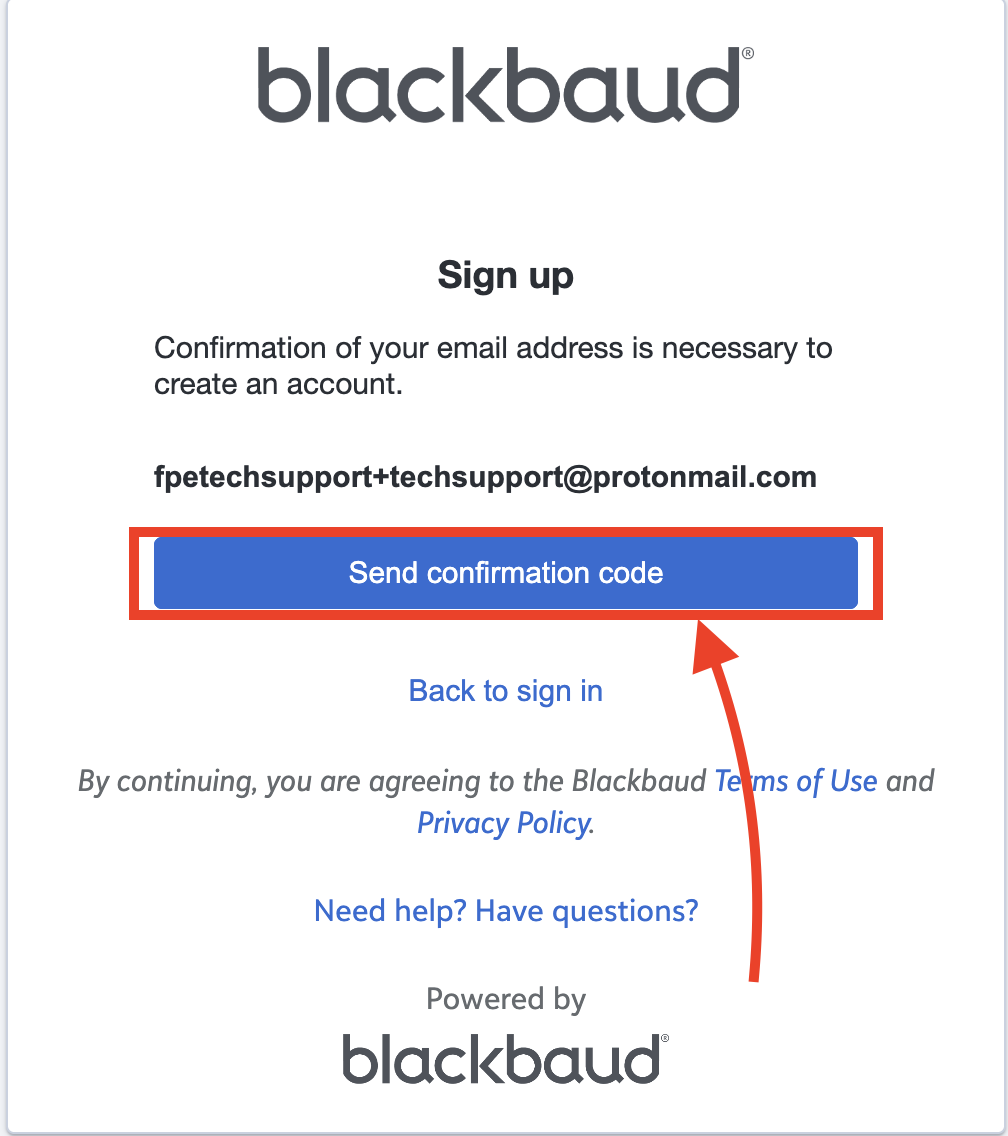
Step 4. Please click 'Send confirmation code'
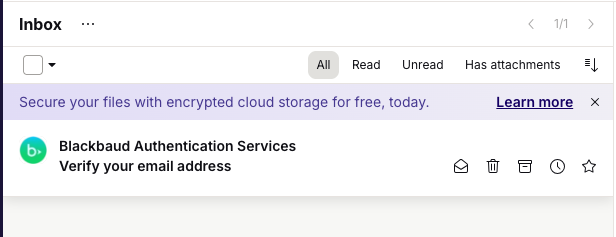
Step 5. Please wait a few moments then find the confirmation code that should have been sent to your email
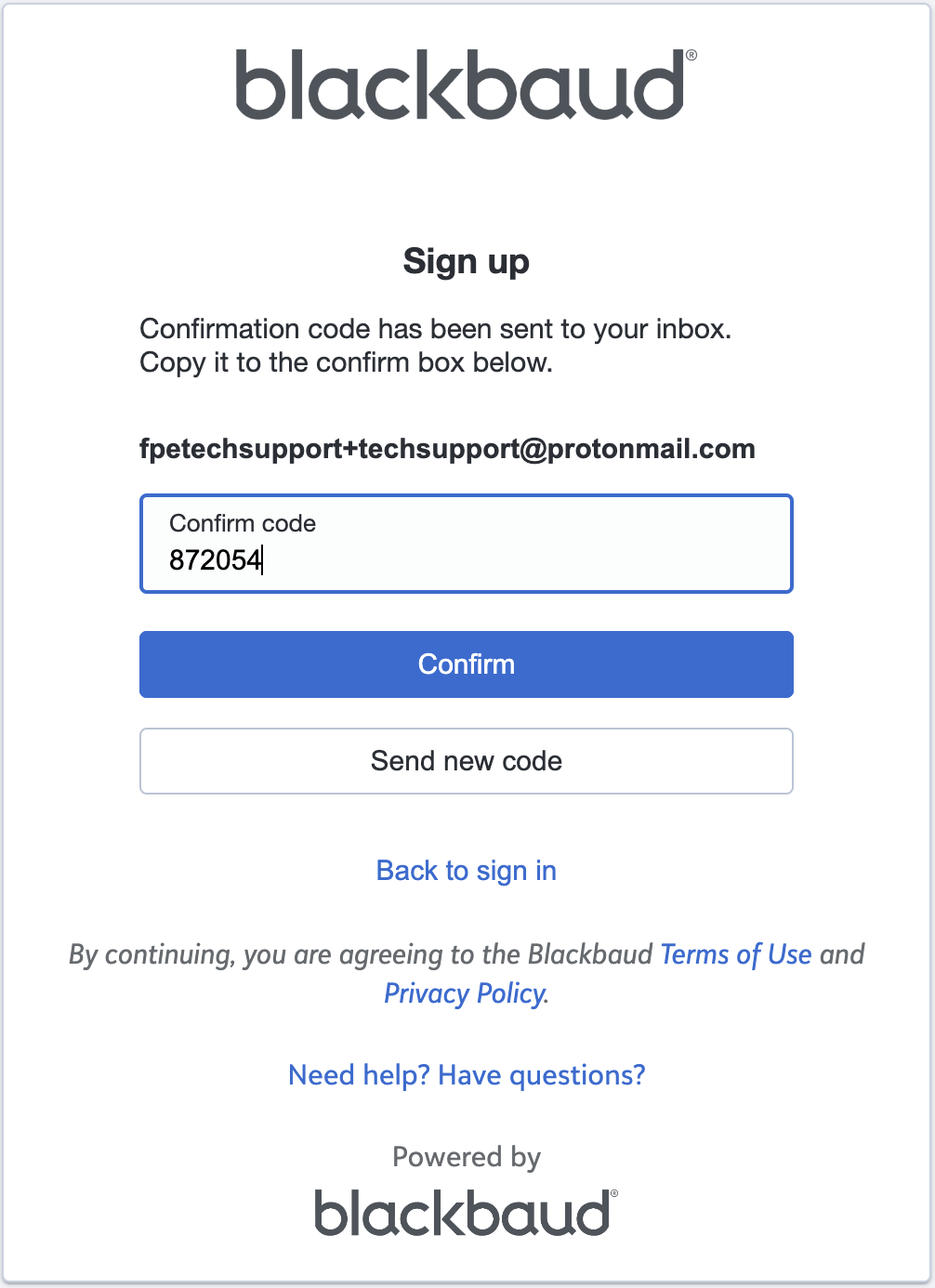
Step 6. Please put the confirmation code back on the blackbaud page and click 'Confirm'
Step 7. Please enter the following information:
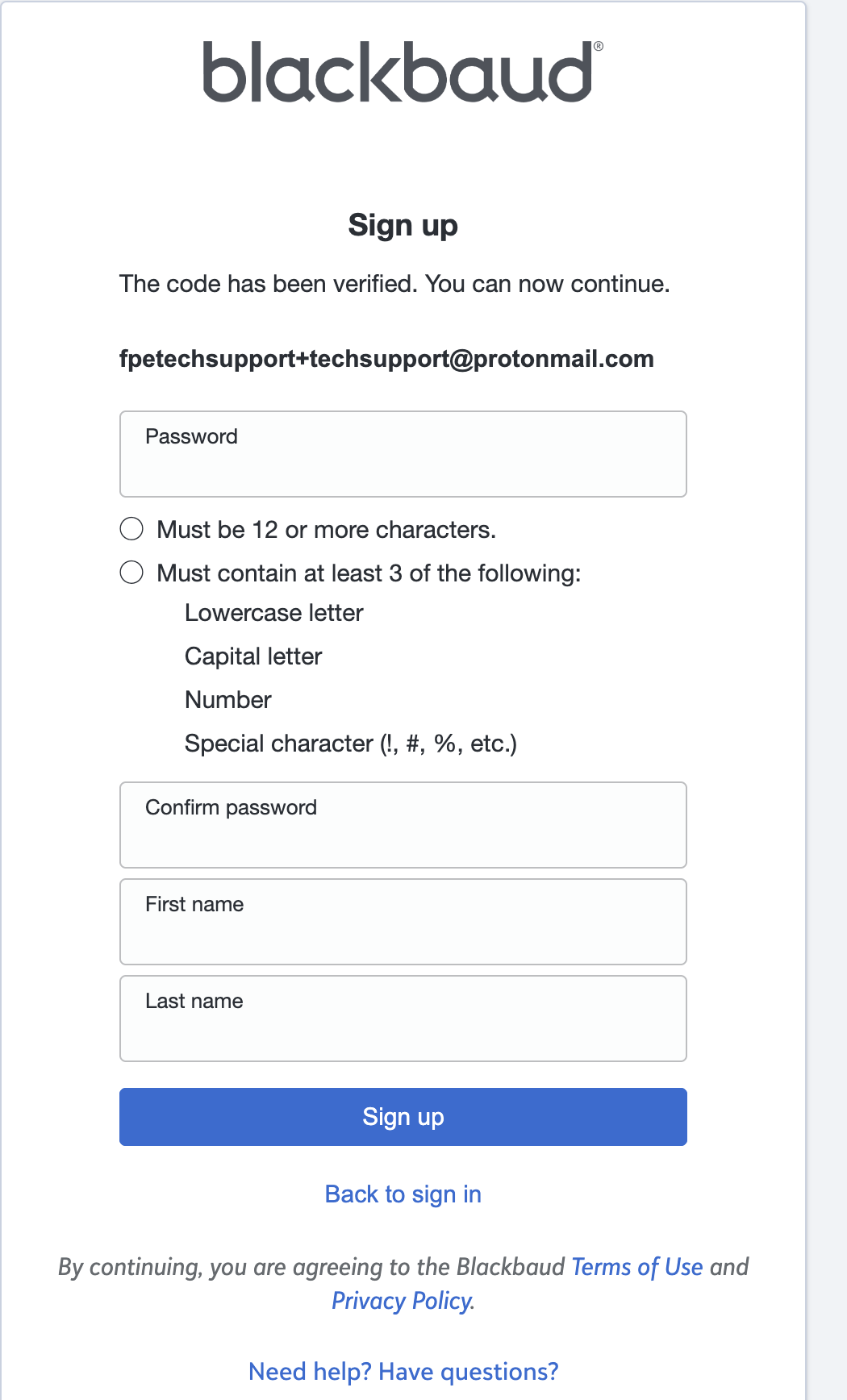
Step 8. Click 'Sign Up'
Step 9. Make sure your email and and 'Remember my email' is checked then click 'Continue'

Step 10. You should now be signed in to Blackbaud.
| Issue/Product | First-Time How to Sign in to Blackbaud for New Parents without Apple or Gmail |
Version # | 2.0 |
Solution or Work-around | Solution |