
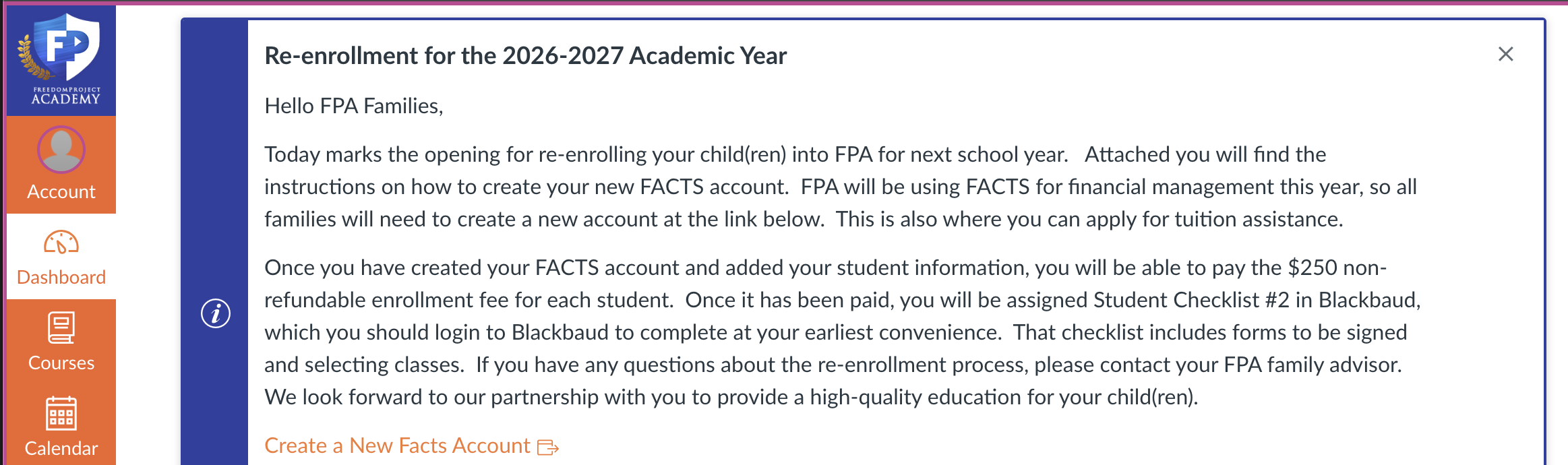
Step 1. On Canvas Dashboard click on the course whose assignment you wish to view feedback in is located.
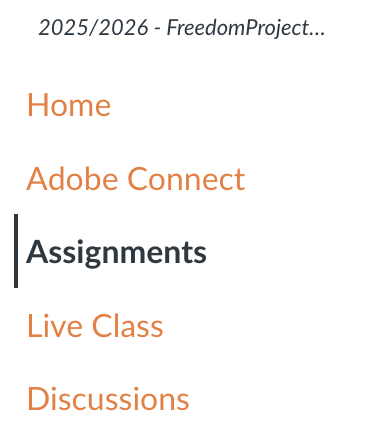
Step 2. Inside the course homepage click ‘Assignments’ on the left-hand side of the screen
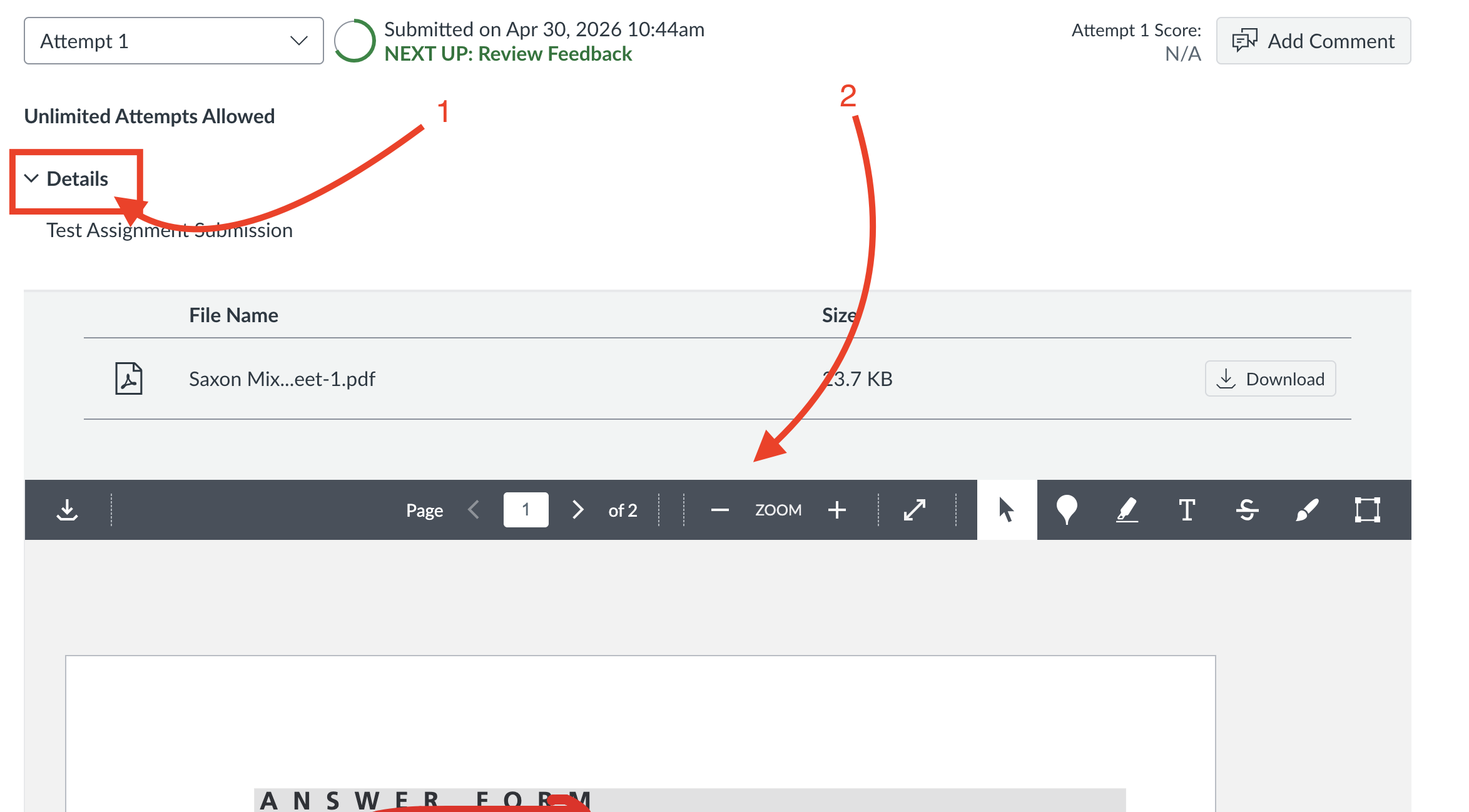
Step 3. Find the Assignment you wish to view feedback on then click on the title for the assignment.
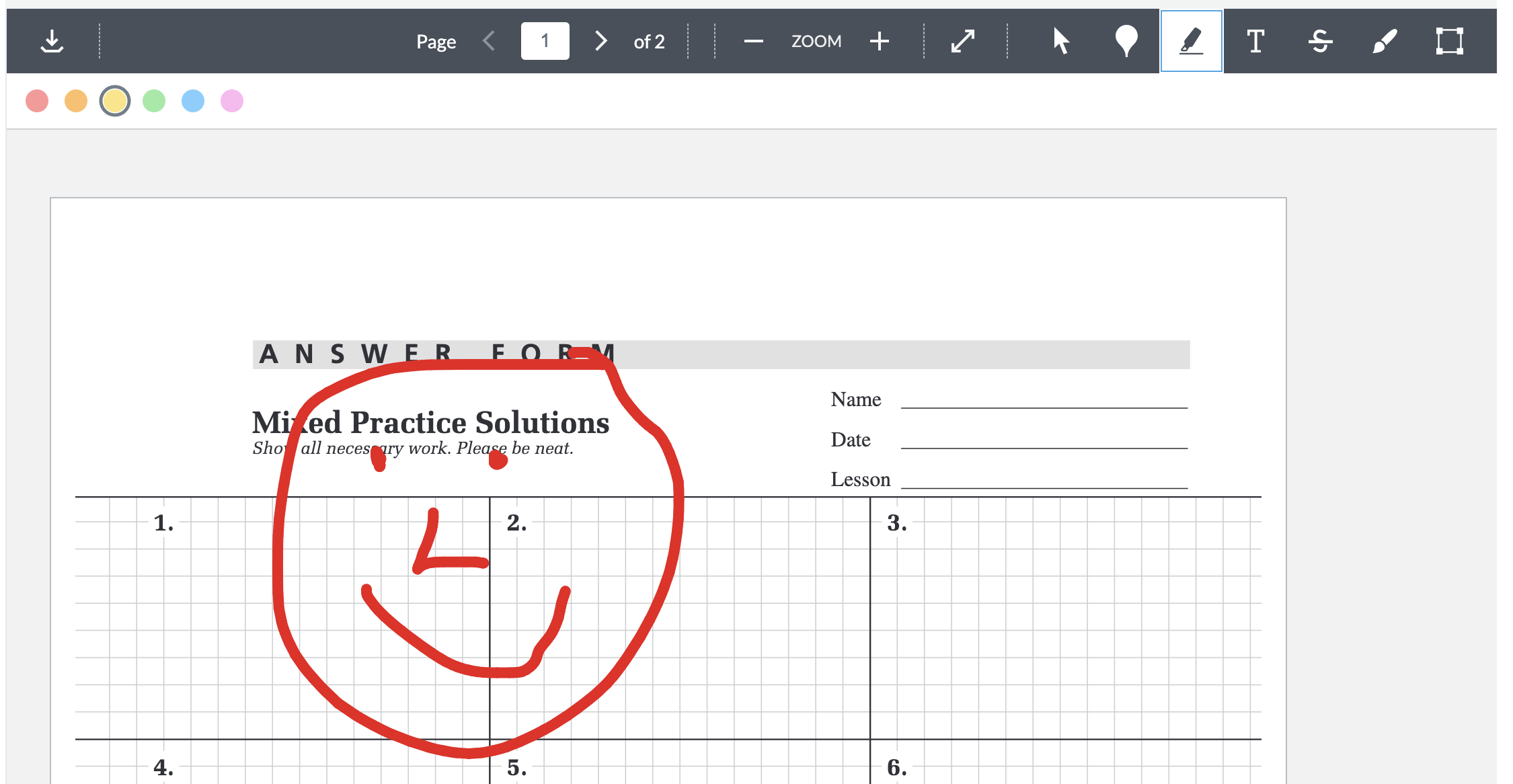
Step 4. Underneath 'Details' you should see your submission with markings
 \
\
If you have any further issues please contact FPA Tech Support at 920-749-3793 or email us at techsupport@fpeusa.org.
Issue/Product | How to View Feedback on Assignments in Canvas |
Version # | 1.0 |
Solution or Work-around | Solution |